

Description
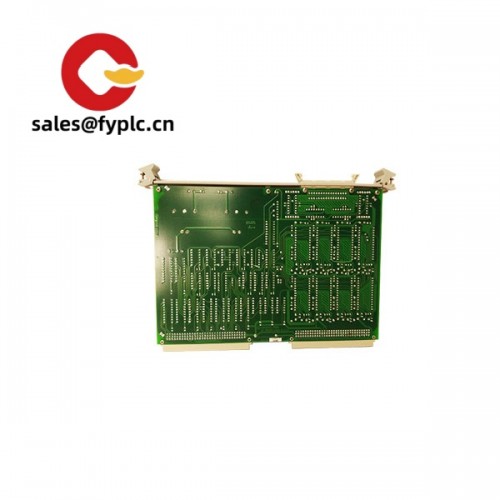
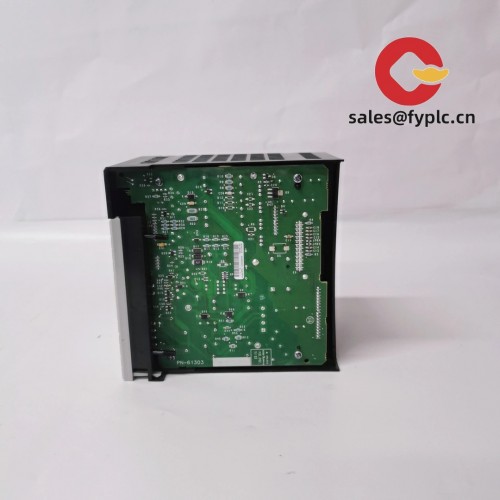
GE PACSystems RX3i IC695NIU001-ADAD – Network Interface Unit for Remote RX3i I/O Racks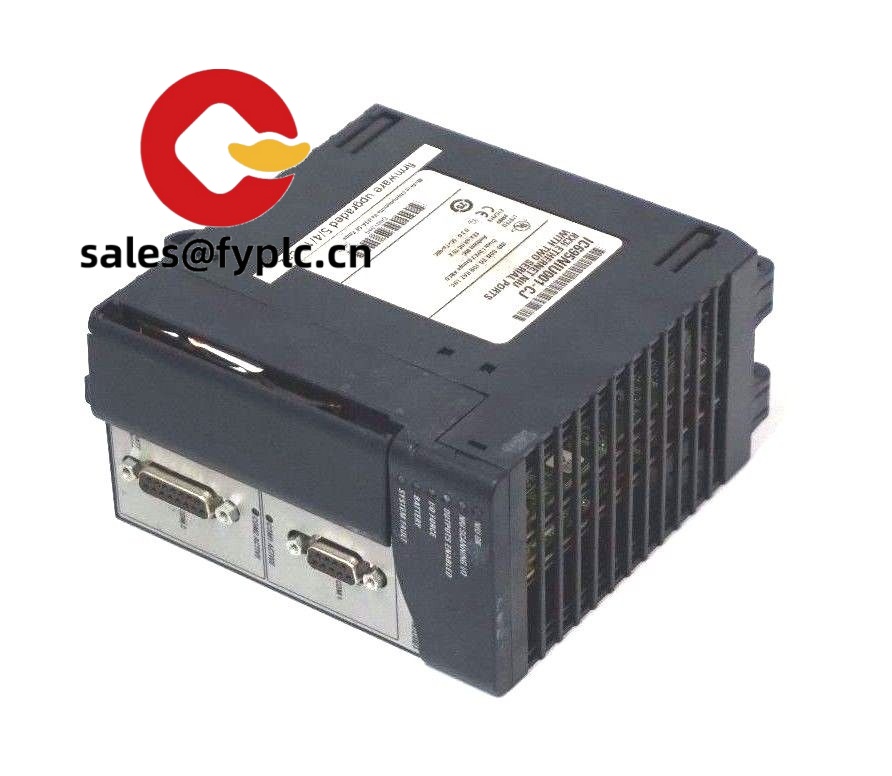
The IC695NIU001-ADAD is the RX3i Network Interface Unit that lets you run a PACSystems RX3i base as a remote I/O rack over your plant Ethernet network. If you’re expanding I/O without adding another CPU, or migrating older Series 90-30 NIU drops to RX3i, this NIU keeps the architecture clean and the footprint small. The “-ADAD” suffix indicates a later hardware/firmware revision of the IC695NIU001, which in many cases improves stability and diagnostic behavior.
Our Company’s Order Placement Process and Guarantees
- Warranty: 365 days
- Delivery: typically 1 week for in‑stock items; no more than one month at the latest
- Payment: 50% advance payment, full payment before delivery
- Express delivery: FedEx, UPS, DHL
Key Features
- Remote RX3i rack controller – Acts as the backplane master so your RX3i I/O runs as a remote node without a CPU.
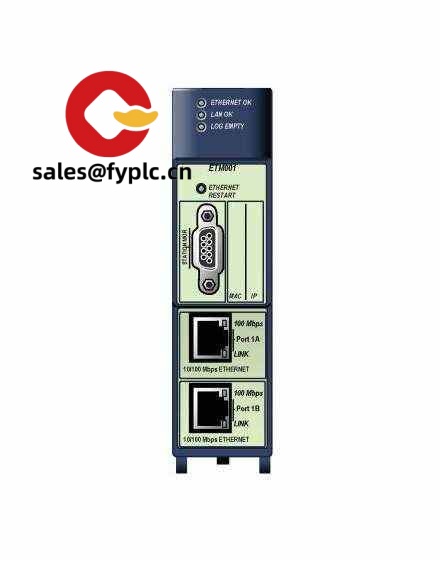
- Ethernet-based integration – Typically used with an RX3i Ethernet module (e.g., IC695ETM001) to connect the NIU rack to your controller network.
- Consistent RX3i ecosystem – Reuse the same RX3i I/O modules, power supplies, and baseplates, which simplifies spares and training.
- Built-in diagnostics – Front-panel status LEDs and controller diagnostics streamline commissioning and fault tracing.
- Migrations made simpler – In many cases it’s a straightforward path when moving distributed I/O from older 90-30 NIUs to RX3i hardware.
- Industrial temperature range – Designed for typical control cabinet environments in process and discrete plants.
From my experience, the IC695NIU001 is a good fit when you need to put I/O where the process happens—mixing areas, packaging lines, utility skids—yet keep your main CPU in a central cabinet. You might notice engineering time drops because the hardware and tooling stay consistent across local and remote racks.
Technical Specifications
| Brand / Model | GE PACSystems RX3i –(Network Interface Unit) |
| HS Code | 8538.90.00 (Parts suitable for apparatus of heading 8537; for customs reference) |
| Power Requirements | Backplane powered via RX3i power supply (IC695PSxxx); no separate external power to the NIU module |
| Dimensions & Weight | Standard RX3i single‑slot module; fits IC695CHS0xx universal backplanes |
| Operating Temperature | Typically 0 to 60 °C (32 to 140 °F) |
| Signal I/O Types | No direct field I/O; acts as the RX3i backplane master for installed I/O modules |
| Communication Interfaces | Uses add‑on network modules on the same rack (commonly IC695ETM001 for 10/100 Mbps Ethernet) |
| Installation Method | Insert into RX3i universal backplane (IC695CHS0xx); mount backplane to DIN rail or panel per cabinet layout |
Related or Supporting Products
- IC695ETM001 – RX3i Ethernet module (10/100 Mbps, RJ‑45). Commonly paired with IC695NIU001 for network connectivity.
- IC695PSA040 / IC695PSD040 – RX3i power supplies used to feed the NIU and installed I/O modules.
- IC695CHS012 / IC695CHS016 – RX3i universal backplanes (12‑slot / 16‑slot) to suit your I/O count.
- IC693NIU004 – Legacy Series 90‑30 NIU (helpful reference if you’re planning a staged migration to RX3i).
- Standard industrial Ethernet patch cords and managed switches for ring or star topologies, depending on site standards.
A maintenance lead at a beverage plant told us the NIU approach “kept the wiring local and our controller room quiet—swapped to RX3i I/O, reused most of the logic blocks, and the startup was a half‑day job.”
Installation & Maintenance
- Cabinet & environment – Install the RX3i rack in a ventilated control cabinet. Keep ambient typically 0–60 °C and avoid condensation or corrosive atmospheres.
- Mounting – Fix the IC695CHS0xx backplane to DIN rail or panel. Ensure adequate clearance at top/bottom for airflow and cable bend radius.
- Wiring – Use shielded industrial Ethernet where applicable. Segregate power and signal cabling to reduce noise. Bond shields at a single point as per site EMC rules.
- Power-up sequence – Install the power supply, NIU, communications module(s), then the I/O modules. Apply power and verify front-panel LEDs before downloading the project.
- Network configuration – Assign IP addressing and rack identification in your engineering tool. From my experience, keeping a simple addressing scheme by area or skid reduces troubleshooting time.
- Routine maintenance – Check cabinet filters quarterly, re-torque field terminals annually, and export the project backups after changes. Firmware updates can be scheduled during planned downtime.
- Safety – De-energize the rack before inserting/removing modules. Verify that safe states are enforced in the controller during network interruptions.
Quality & Certifications
- CE and UL/cUL listed for industrial control equipment
- RoHS-compliant hardware in most RX3i revisions
- Manufactured under ISO 9001 quality systems
- Warranty: 12 months (365 days)
Note: The IC695NIU001-ADAD is a revisioned variant of the standard IC695NIU001. If you have an existing installation, matching hardware/firmware revisions across nodes can help keep behavior consistent.



Reviews
There are no reviews yet.