
Description
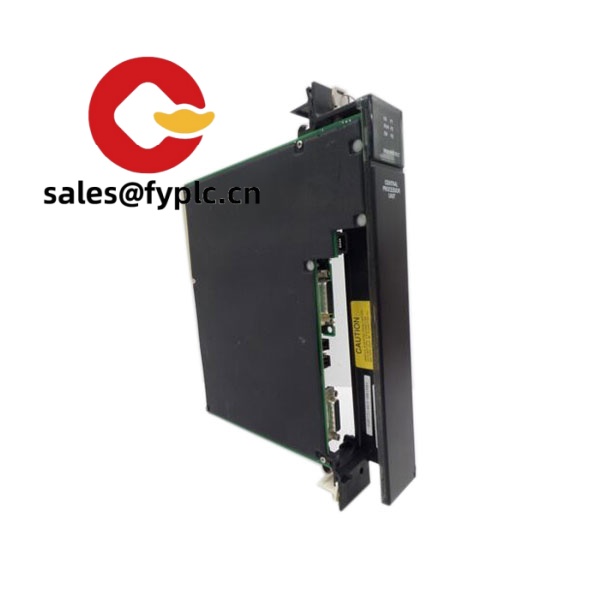
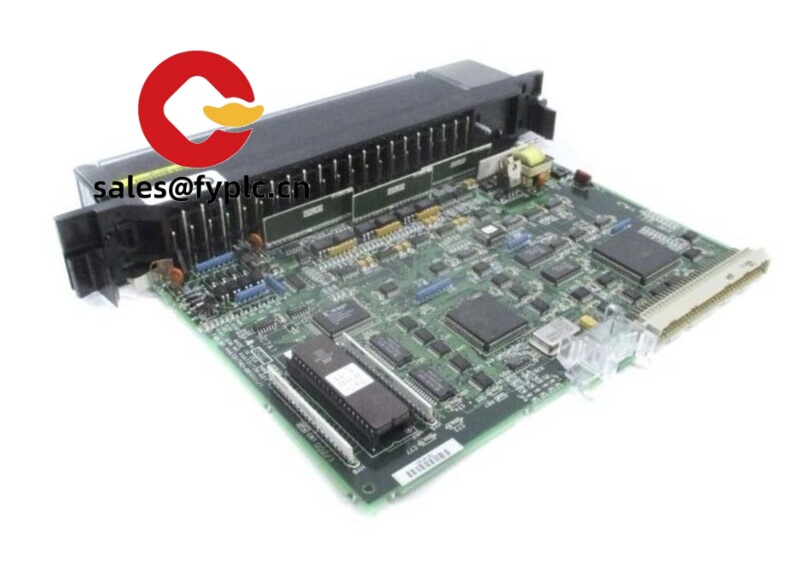
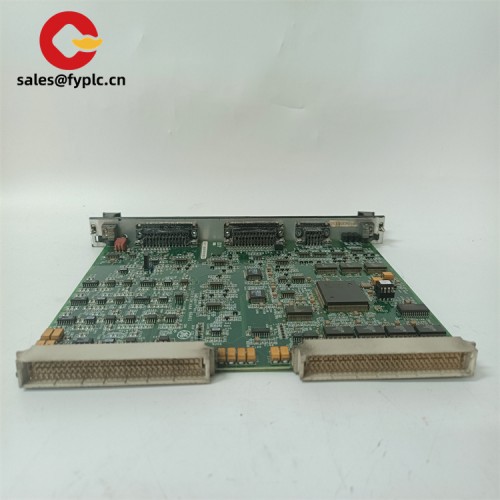
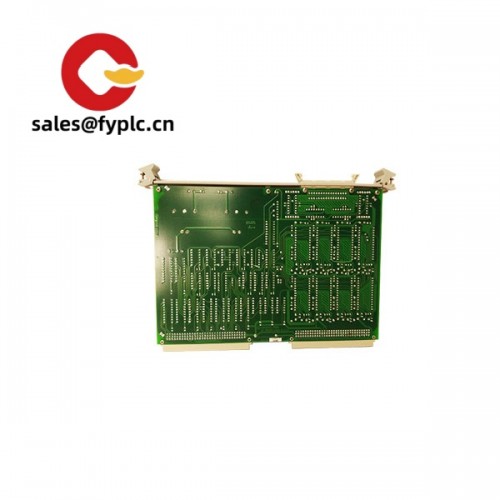
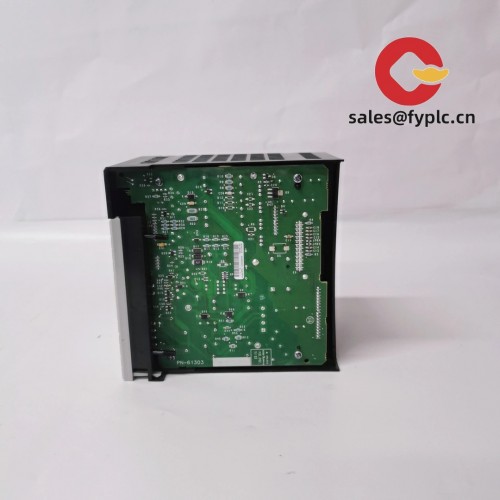
GE Fanuc IC697CPX935 – High‑performance CPU for Series 90‑70 Control Racks
The GE Fanuc IC697CPX935 is a high-end CPU module for the Series 90‑70 platform, used widely in heavy industry, utilities, and large process lines. From my experience, it’s chosen when plants need a fast scan, large application capacity, and long-term compatibility with existing IC697 I/O and networks. You might notice that it’s equally at home as a direct drop‑in replacement in aging racks or as part of a staged modernization where downtime has to be minimal.
Company’s Order Placement Process and Guarantees
- Warranty: 365 days
- Delivery: 1 week if in stock; no more than one month at the latest
- Payment: 50% advance; full payment before delivery
- Express options: FedEx, UPS, DHL
Key Features
- Series 90‑70 CPU upgrade path – Ideal for brownfield replacements where the rack, power supply, and I/O stay in place.
- Fast logic execution – Designed for high‑throughput ladder and structured block execution; typically short scan times even on larger programs.
- Large application capacity – Supports substantial user memory with battery‑backed retention; expandable via 90‑70 memory modules in many cases.
- Built for tough environments – Industrial operating temperature range and robust backplane communication for big I/O counts.
- Flexible networking – Works with 90‑70 comm modules (Ethernet, Genius, PROFIBUS, serial) so you can match field needs without changing the CPU.
- Tooling compatibility – Typically supported by Proficy Machine Edition (Logic Developer – PLC) and legacy Logicmaster 90‑70, which helps during migrations.
- Event and fault handling – Solid diagnostics and fault tables ease troubleshooting; saves time during start‑ups and maintenance windows.
Technical Specifications
| Brand / Model | GE Fanuc – IC697CPX935 (Series 90‑70 CPU) |
| HS Code | 8537.10 (Programmable controllers / control panels) |
| Power Requirements | Supplied by IC697 backplane 5 VDC; CPU draw is typically around the 1–2 A range (varies by revision and options) |
| Dimensions & Weight | Single‑slot IC697 module; standard Series 90‑70 height. Fits any compatible IC697 rack slot intended for CPU (usually slot 1) |
| Operating Temperature | 0 to 60 °C (32 to 140 °F) typical for Series 90‑70 modules |
| Signal I/O Types | No onboard I/O. Controls IC697 discrete/analog/specialty I/O via rack/backplane |
| Communication Interfaces | Front serial programming/diagnostic port (SNP/SNPX over RS‑232 in most cases). Additional networks via separate IC697 modules (Ethernet, Genius, PROFIBUS, serial) |
| Installation Method | Rack‑mounted in IC697CHSxxx baseplate; typically installed in slot 1 with IC697PWR7xx power supply |
| Programming Software | Proficy Machine Edition (Logic Developer – PLC) and legacy Logicmaster 90‑70, depending on firmware |
Related or Supporting Products
- IC697CPX928 – Similar Series 90‑70 CPU with slightly lower performance/capacity; often used when program size is moderate.
- IC697CGR935 – Redundancy‑grade CPU variant for high‑availability architectures; pairs with redundancy modules.
- IC697CMM742 / IC697ETM – Ethernet communications options when plant SCADA or historians require TCP/IP connectivity.
- IC697GBCxxx (Genius Bus) – Fieldbus interface for existing Genius networks.
- IC697PWR711/712/713 – Series 90‑70 power supplies; choose based on rack load and input type.
- IC697CHS7xx – Baseplates/racks for Series 90‑70; select slot count to match I/O footprint.
- IC697MEM7xx – Memory expansion modules for larger applications and retention needs.
- IC697ACC702 – Lithium battery pack commonly used for memory retention on 90‑70 CPUs.
Installation & Maintenance
- Panel & cabinet – Mount the IC697 rack in a clean, ventilated cabinet. Maintain airflow; avoid heat sources. From my experience, keeping ambient under 50 °C greatly improves longevity.
- Rack position – Install the IC697CPX935 in the CPU-designated slot (typically slot 1). Ensure tight seating and correct keying.
- Power & grounding – Use an appropriate IC697PWR7xx power supply; bond the rack to a low‑impedance ground. Separate high‑voltage from low‑level signal wiring.
- Wiring & comms – For the front serial port, use shielded cable; follow SNP/SNPX wiring guides. Add Ethernet/Genius/PROFIBUS via the respective comm modules as needed.
- Firmware & software – Match CPU firmware with your Proficy or Logicmaster version. In many cases, a quick revision check avoids unexpected download errors.
- Battery maintenance – Replace the lithium battery (e.g., IC697ACC702) proactively every 2–3 years, or sooner in high‑temperature cabinets. Always back up the program before replacement.
- Routine checks – Review fault tables, scan time trends, and comms diagnostics during scheduled stops. Light dust cleaning on the module face helps connectors and DIP covers last longer.
- ESD safety – Handle modules with proper grounding. Power down the rack before insertion/removal unless the manual explicitly states otherwise.
Quality & Certifications
- CE and UL/cUL listings are typical for Series 90‑70 modules; CSA compliance is common on many revisions.
- RoHS status may vary by production date, as the Series 90‑70 family predates current directives in many cases.
- Each unit is covered by our 365‑day warranty; test documentation can be provided on request.
Practical note from a recent retrofit: a customer swapped a failing 90‑70 CPU for an IC697CPX935 during a 6‑hour outage, kept the existing I/O and cabling, and was back up with lower scan time and cleaner diagnostics. That seems to be the sweet spot for this model—minimum disruption, maximum continuity.



Reviews
There are no reviews yet.