
Description
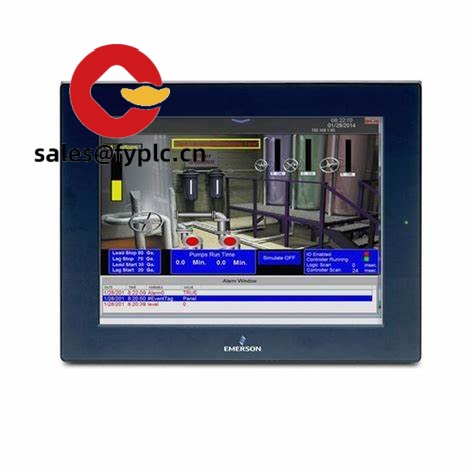
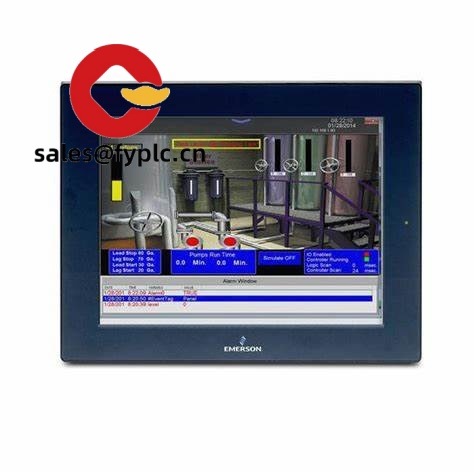
GE IC755CSS12CDB QuickPanel+ – 12.1-inch HMI for reliable machine visualization and plant-floor control
The GE QuickPanel+ IC755CSS12CDB is a 12.1-inch operator interface that’s built for production environments where visibility, uptime, and easy networking matter. From my experience, this size hits a sweet spot: large enough to display multi-screen diagnostics, yet compact enough to fit crowded panels. It’s typically used on packaging lines, OEM skids, water treatment panels, and mid-size assembly cells where operators need a responsive HMI with dependable 24 VDC power and straightforward Ethernet/serial connectivity.
Our Order Placement Process and Guarantees
- Warranty: 365 days
- Lead time: 1 week if in stock; no more than one month at the latest
- Payment: 50% advance payment; full payment before delivery
- Express options: FedEx, UPS, DHL
Key Features
- 12.1-inch industrial display – A practical 4:3 screen that typically fits existing cutouts and gives operators enough space for clear alarms, trends, and recipes.
- Touch interface – Responsive touch panel for quick navigation; in many cases it’s configured for single-touch interaction to keep operations simple and robust.
- 24 VDC power (industrial standard) – Easy integration into control cabinets; usually runs cleanly off existing 24 VDC rails with proper grounding.
- Ethernet and serial communications – Connects to PLCs and drives via Ethernet (10/100) and an RS‑232/RS‑485 serial port; useful when you’re mixing newer and legacy equipment.
- USB and SD for service – USB host/device for updates or data exchange; SD card slot is handy for logs, recipe backups, and quick field swaps.
- Panel-mount, sealed front – When installed with the gasket, the front typically meets IP65/NEMA 4/4X, which helps in washdown or dusty areas.
- Proficy compatibility – Programmed with Proficy Machine Edition in most deployments, so your team can standardize screens, alarms, and security.
Field note
“Swapping this in on a filler line cut our operator training time. The dual connectivity (Ethernet plus serial) let us keep an older drive on RS‑485 while moving the PLC to Ethernet. No drama during commissioning.” – Maintenance Supervisor, beverage OEM
Technical Specifications
| Brand / Model | GE QuickPanel+ / IC755CSS12CDB |
| HS Code | 8537.10 (Boards, panels, consoles for electric control, ≤1000V) |
| Power Requirements | 24 VDC nominal (typically 18–30 VDC), protective earth required |
| Display & Touch | 12.1-inch industrial TFT; single-touch operation in most deployments |
| Operating Temperature | 0 to +50 °C (32 to 122 °F), non‑condensing humidity |
| Signal I/O Types | Touch input; serial communications via RS‑232/RS‑485 (no onboard discrete/analog I/O) |
| Communication Interfaces | Ethernet 10/100, USB host, USB device, SD card slot; serial RS‑232/485 |
| Installation Method | Panel mount with gasket; front face typically IP65/NEMA 4/4X when properly installed |
| Configuration Software | Proficy Machine Edition HMI/SCADA (commonly used) |
Related or Supporting Products
- IC755CSW07CDA – 7-inch widescreen QuickPanel+, compact footprint for small door panels.
- IC755CSW10CDA – 10-inch widescreen, multi-touch usability, good for tighter layouts.
- IC755CSS15CDA – 15-inch standard aspect, more room for trends/alarms; larger cutout.
- Proficy Machine Edition – Programming software for HMI configuration and firmware updates.
- Industrial Ethernet switches (managed) – Recommended when segmenting controls and SCADA networks.
Installation & Maintenance
- Cabinet & mounting – Panel-mount on a flat, rigid surface; maintain gasket integrity for sealing. Allow ventilation or passive airflow around the rear; avoid mounting near high-heat sources or VFDs without shielding.
- Power & grounding – Supply clean 24 VDC with protective earth. From my experience, a dedicated 2–3 A fused feed and a ferrite on the supply help reduce noise issues.
- Wiring – Use shielded twisted-pair for serial runs; keep Ethernet and power separated from high-voltage cabling. Tie shields at the panel end to minimize ground loops.
- Environment – Typical operating range is 0–50 °C; keep within non‑condensing humidity. If the panel door faces washdown, verify IP/NEMA sealing after maintenance.
- Routine care – Clean the front with a soft, lint-free cloth and approved screen cleaner. Back up projects/recipes to SD or USB after changes. Schedule firmware checks during planned downtime.
- Service tips – If you’re upgrading from an older QuickPanel, you might notice improved responsiveness; still, validate tag mapping and comm drivers in Proficy before go‑live.
Quality & Certifications
- CE compliant
- UL/cUL listed
- RoHS compliant
- Manufacturer warranty: typically 12 months limited coverage; extended options may be available
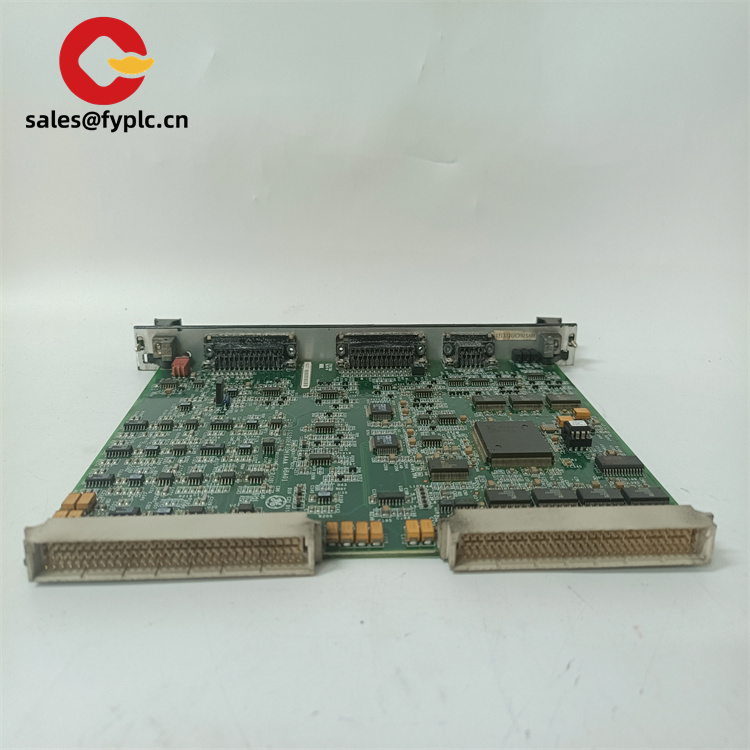
If you’re standardizing on QuickPanel+ and need confirmation of panel cutout, bezel type, or exact port count for the IC755CSS12CDB, share your existing part list or photos of the backplane. We’ll validate compatibility before shipping so commissioning stays on schedule.



Reviews
There are no reviews yet.