
Description
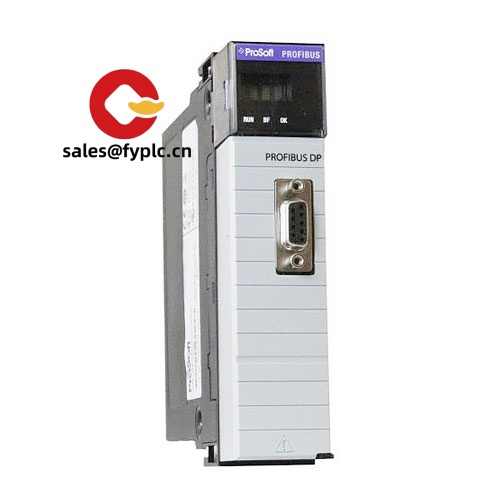
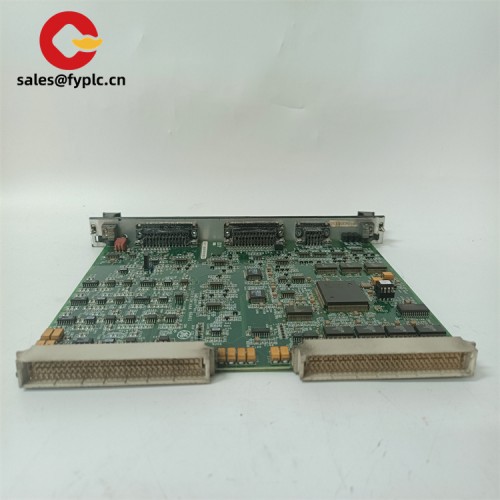
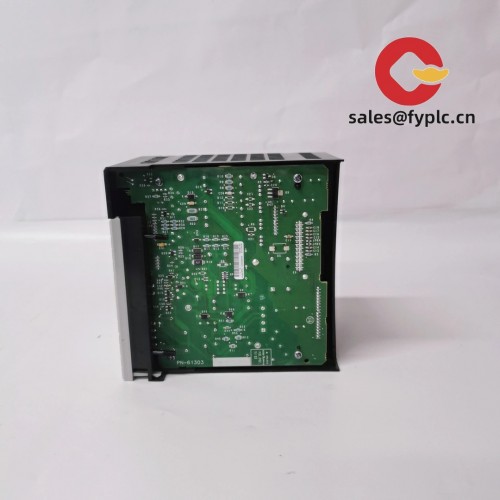
ProSoft ILX69-PBM – PROFIBUS DP Master Module for CompactLogix (1769) Integration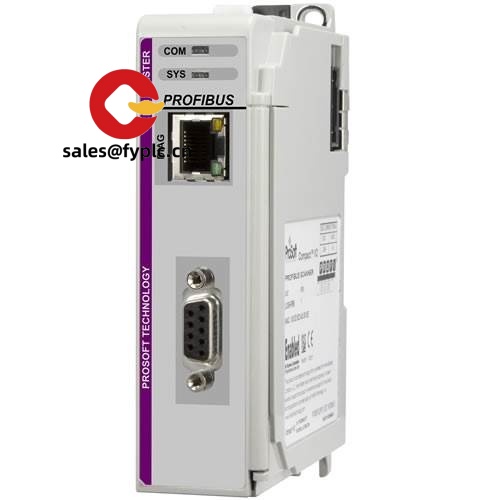
The ProSoft ILX69-PBM is designed to make a CompactLogix (1769) controller speak native PROFIBUS DP—cleanly and reliably. From my experience, it’s a practical fit when you need a Rockwell system to control Siemens drives, ET200 remote I/O, or any PROFIBUS devices already in the field. You might notice that it drops into a single 1769 slot, uses the PLC backplane for power, and gives you deterministic PROFIBUS control at up to 12 Mbps without a standalone gateway. One thing I appreciate is how quick the GSD-based device mapping is; it typically saves hours during commissioning.
Company’s Order Placement Process and Guarantees
- Warranty: 365 days
- Delivery: 1 week if in stock; no more than one month at the latest
- Payment: 50% advance payment; full payment prior to delivery
- Express options: FedEx, UPS, DHL
Key Features
- CompactLogix (1769) backplane integration – Installs as a 1769 I/O module; no external gateway or power needed.
- PROFIBUS DP Master – Controls a full DP network, typically up to 125 devices per segment depending on bus design.
- High-speed DP communications – 9.6 kbps to 12 Mbps; good for motion drives, VFDs, and distributed I/O.
- GSD-based device setup – Import the device’s GSD, map I/O sizes, and you’re ready; it seems to be very straightforward in most cases.
- Logix-friendly engineering – Add-On Profile / sample logic and tags make data handling in Studio 5000 typically fast to implement.
- Isolated DP port – RS‑485 with standard DB9 connector for robust field wiring and shielding practices.
- Diagnostics & status – Front LEDs and software tools help pinpoint wiring, baud, or device issues quickly.
Technical Specifications
| Brand / Model | ProSoft Technology ILX69-PBM (PROFIBUS DP Master for CompactLogix 1769) |
| HS Code | 8517.62.00 (Data transmission apparatus) |
| Power Requirements | Supplied via 1769 CompactLogix backplane; no external power supply required |
| Dimensions & Weight | 1769 single-slot module form factor (Compact I/O) |
| Operating Temperature | 0 to 60 °C (32 to 140 °F) |
| Signal I/O Types | 1 × PROFIBUS DP Master port (RS‑485, DB9); data exchange with CompactLogix via 1769 backplane |
| Communication Interfaces | PROFIBUS DP‑V0/V1, 9.6 kbps to 12 Mbps; 1769 backplane interface to Logix |
| Installation Method | Mounts in a 1769 I/O bank (DIN-rail or panel-mounted bank); standard PROFIBUS DP cabling with end-of-line termination |
Where it’s typically used
- Linking CompactLogix to Siemens ET200 remote I/O and G120/S120 drives
- Upgrading older PROFIBUS plants while keeping the existing field devices and wiring
- Packaging lines, bottling, and material handling where drives and distributed I/O are already on DP
- Process skids with multivendor instruments that must be supervised by a Logix controller
Quick field note: a food & beverage customer told us they replaced a standalone gateway with the ILX69-PBM and had the line talking to three DP drive racks in under two hours—diagnostics and native Logix tags made the difference.
Related or Supporting Products
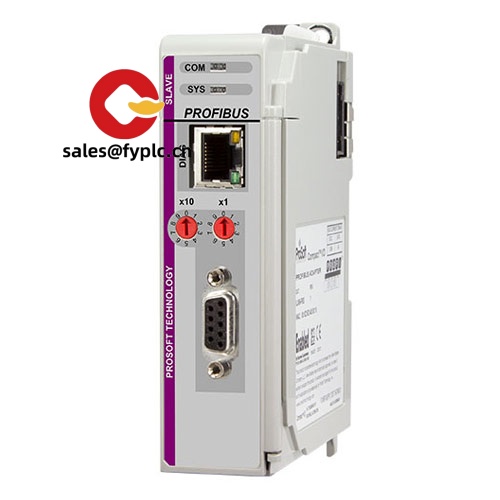
- ProSoft ILX69-PBS – PROFIBUS DP Slave module for CompactLogix. Use this when your Logix controller must act as a DP device on an existing master network.
- ProSoft MVI69-PDPMV1 – Legacy 1769 PROFIBUS DP Master. The ILX69-PBM is the modern, more Logix-friendly replacement in many cases.
- ProSoft PLX31-EIP-PB – Standalone EtherNet/IP to PROFIBUS DP Master gateway, handy when there’s no room in the 1769 rack.
- Rockwell 1769-PA2 / 1769-PB2 – Compact I/O power supplies. Ensures adequate current for the 1769 bank.
- Rockwell 1769-ECR / 1769-ECL – End caps for right/left ends of the 1769 I/O bank.
- PROFIBUS DP cabling & connectors – Use shielded twisted-pair DP cable (e.g., Belden 3079A or equivalent) and DB9 connectors with switchable termination for reliable bus performance.
Installation & Maintenance
- Panel and rack – Install the module in a 1769 I/O bank next to the controller and power supply. Maintain adequate spacing for airflow; temperature should remain within 0–60 °C.
- Wiring – Use shielded PROFIBUS DP cable, observe the correct A/B polarity, and keep stubs as short as practical. Terminate only the two physical ends of each segment.
- Baud rate & segment length – Select a baud rate supported by all nodes; segment length depends on baud (lower speeds allow longer runs). Repeaters/hubs can extend distance.
- Shielding & grounding – Bond the cable shield at designated points to avoid ground loops; keep DP wiring away from high-voltage or VFD output cables.
- Configuration – Import GSD files, assign node addresses, and map I/O sizes. From my experience, validating each device online as you go reduces commissioning time.
- Routine maintenance – Check connector tightness and termination switches during scheduled outages; review diagnostic logs. Update firmware when recommended by the manufacturer.
- Spare strategy – Keeping one spare module per site is typically enough; backup your Logix project and ILX configuration files after any change.
Quality & Certifications
- Manufacturer certifications typically include CE and UL/cUL; RoHS compliant
- Designed for industrial environments with isolation on the DP interface and status diagnostics
- Manufacturer warranty commonly 1 year; our coverage: 365-day warranty



Reviews
There are no reviews yet.