
Description
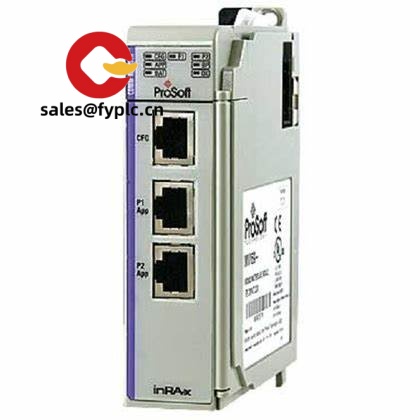
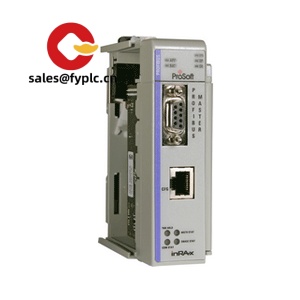
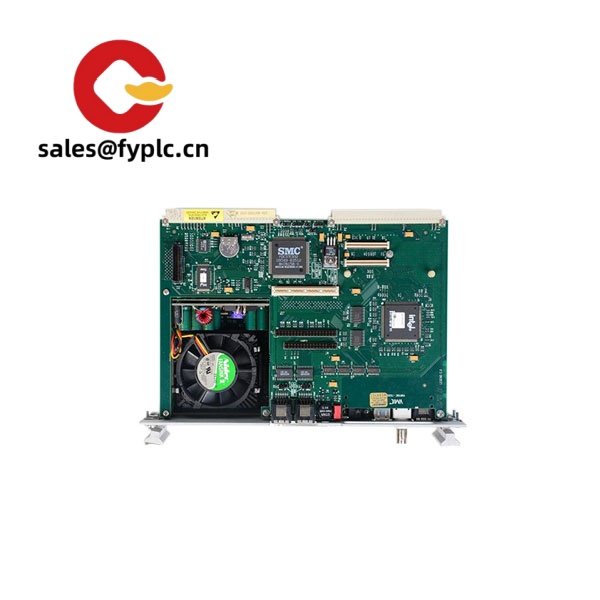
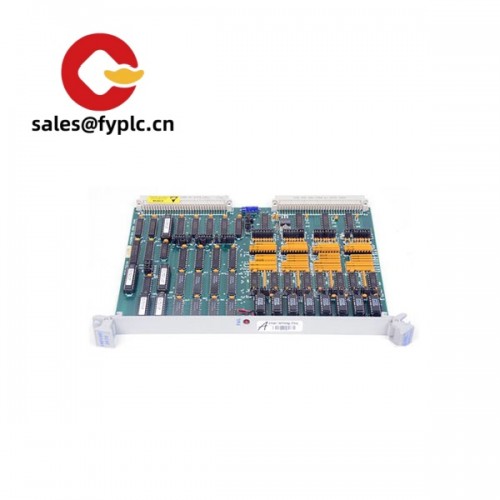
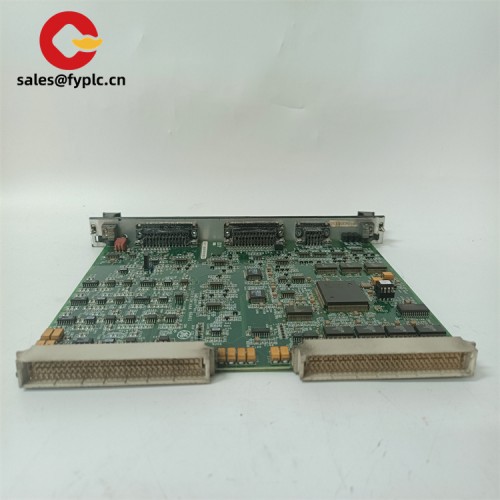
PROSOFT MVI69-MCM – Modbus Serial Communication Module for CompactLogix (1769)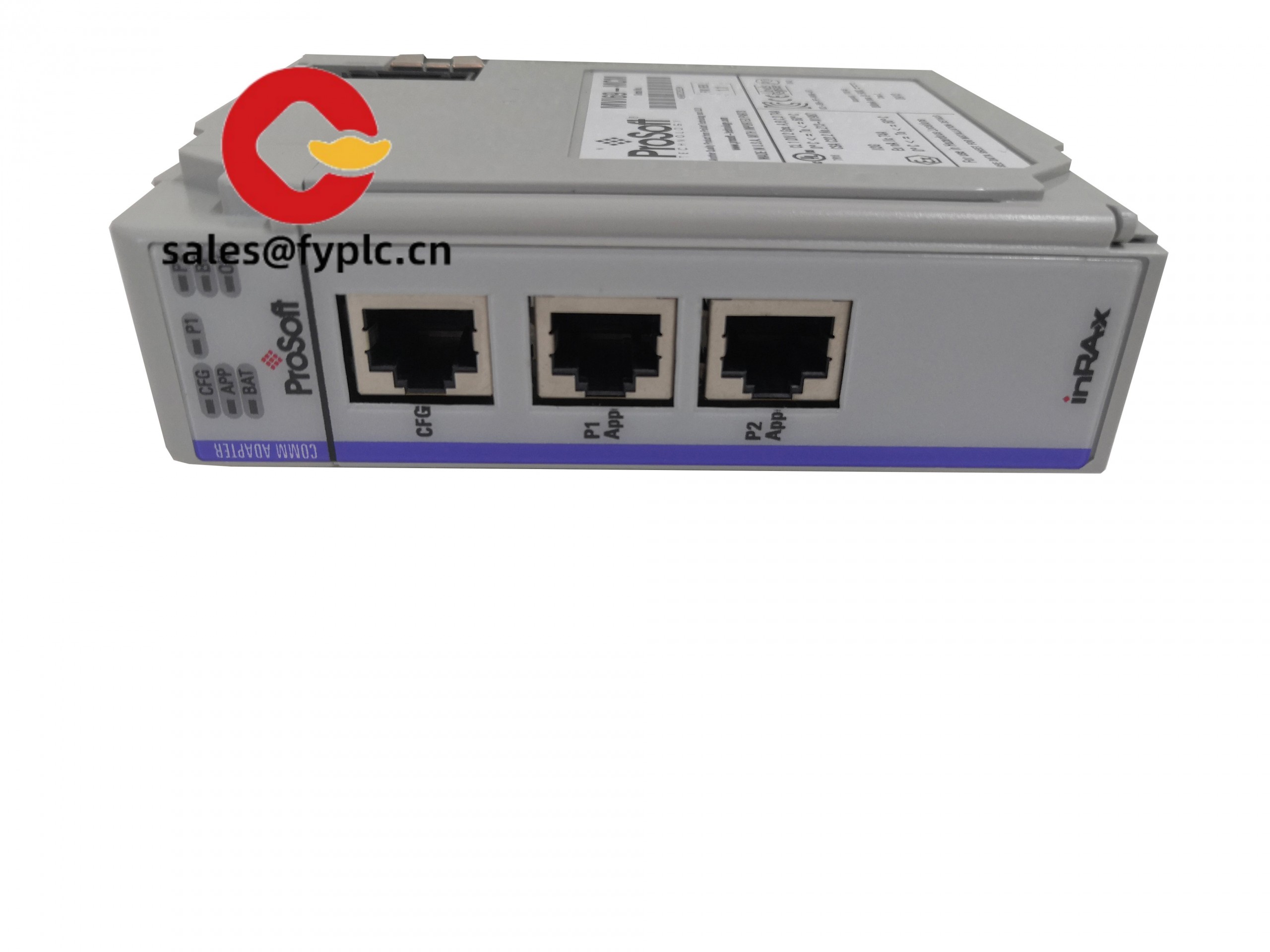
The PROSOFT MVI69-MCM gives CompactLogix/1769 systems a reliable Modbus RTU/ASCII interface without adding external gateways. From my experience, it’s a straightforward way to connect drives, meters, safety skids, or legacy RTU devices directly to your CompactLogix processor through the 1769 backplane. You might notice that projects go faster because the module handles the heavy lifting—command scheduling, data buffering, and diagnostics—so your ladder stays clean.
Order Placement Process and Guarantees
- Warranty: 365 days
- Delivery time: 1 week for in-stock; no more than one month at the latest
- Payment: 50% advance payment, full payment before delivery
- Express options: FedEx, UPS, DHL
Key Features
- Dual serial ports – Two independent, isolated RS-232/422/485 ports for flexible topologies and mixed device types.
- Modbus RTU/ASCII, Master or Slave – Each port can be set as Master or Slave, which typically simplifies mixed-vendor integration.
- 1769 backplane integration – Directly mounts in a CompactLogix/1769 rack; tight data exchange with the CPU, low latency.
- Configurable polling – Command lists, timeouts, and retries help stabilize noisy or long RS-485 runs.
- Diagnostics you can trust – Status data, counters, and LED indicators make it easier to troubleshoot in the field.
- ProSoft Configuration Builder support – Typical setup through PC software; saves time during commissioning and repeat deployments.
- Industrial-grade isolation – Helps reduce ground loop and EMI issues often seen with multi-drop RS-485 networks.
- Use cases – VFDs, power meters, weigh scales, flow computers, and remote I/O panels that only speak Modbus serial.
Technical Specifications
| Brand / Model | PROSOFT MVI69-MCM (Modbus Communication Module for CompactLogix/1769) |
| HS Code | 8517.62 (Data communication apparatus) |
| Power Requirements | 5 VDC from 1769 backplane (Compact I/O). Backplane powered; no external supply required. |
| Dimensions & Weight | 1769 single-slot Compact I/O form factor (DIN rail/panel mount footprint). |
| Operating Temperature | Typically 0 to 60 °C (32 to 140 °F) |
| Signal I/O Types | 2x Serial ports (RS-232/422/485), Modbus RTU/ASCII Master or Slave per port |
| Communication Interfaces | 1769 backplane to CompactLogix CPU; serial ports to Modbus devices |
| Installation Method | Mounts in a 1769 Compact I/O rack (DIN rail or panel), standard end caps and power supply practices apply |
Related or Supporting Products
- PROSOFT MVI69E-MBS – Enhanced Modbus Serial module for 1769; typically higher capacity and performance, good for larger polling lists.
- PROSOFT MVI69E-MBTCP – Modbus TCP for CompactLogix/1769 if you need Ethernet-based Modbus rather than serial.
- PROSOFT MVI56E-MCM – Similar Modbus module for ControlLogix (1756) platforms.
- PROSOFT PLX31-EIP-MBTCP – EtherNet/IP to Modbus TCP gateway when rack space is limited or a stand-alone bridge is preferred.
- 1769-ECR / 1769-ECL End Caps – Required end caps for Compact I/O banks.
- RS-485/RS-232 cables and terminators – Shielded, grounded serial cabling and 120 Ω termination resistors for stable multi-drop links.
Installation & Maintenance
– Mounting and environment: Install in a 1769 Compact I/O rack on a properly bonded DIN rail or panel. Keep adequate ventilation; in most cases a clean, dry control cabinet to IEC/UL standards is recommended.
– Wiring: Use shielded twisted pair for RS-485, ground the shield at one end, and apply 120 Ω termination at the ends of the trunk. Biasing resistors may be needed on long runs.
– Configuration: Set each port as Master or Slave and choose RTU or ASCII per the device manual. ProSoft Configuration Builder typically speeds up creating command lists.
– Safety: Power down the rack before inserting/removing the module. Maintain separation from high-voltage conductors to reduce EMI.
– Routine maintenance: Check connectors for loosened screws, clean dust with dry air, review diagnostics counters for retries/timeouts, and keep firmware and AOI/AOP files updated when available.
– Practical tip: If you see intermittent timeouts, slightly longer inter-character/response timeouts and ensuring a single network ground point usually stabilize things.
Quality & Certifications
- CE, UL/cUL (typically includes Class I, Div 2 suitability for many ProSoft modules)
- RoHS compliant
- Manufacturer warranty: ProSoft provides a standard manufacturer warranty (period may vary by region); our supply guarantee covers 365 days.
From my experience, the MVI69-MCM is a solid fit when you need dependable Modbus serial on a CompactLogix line and don’t want a separate gateway box. Many users report that commissioning is quicker than expected, especially when reusing saved command lists across similar machines.



Reviews
There are no reviews yet.