
Description
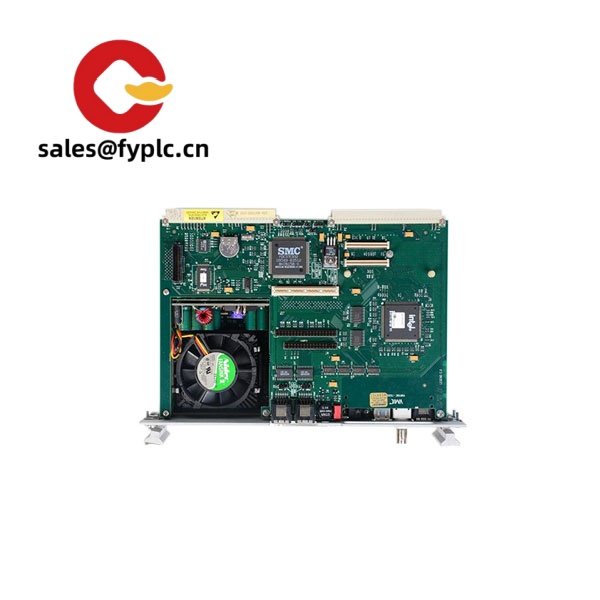
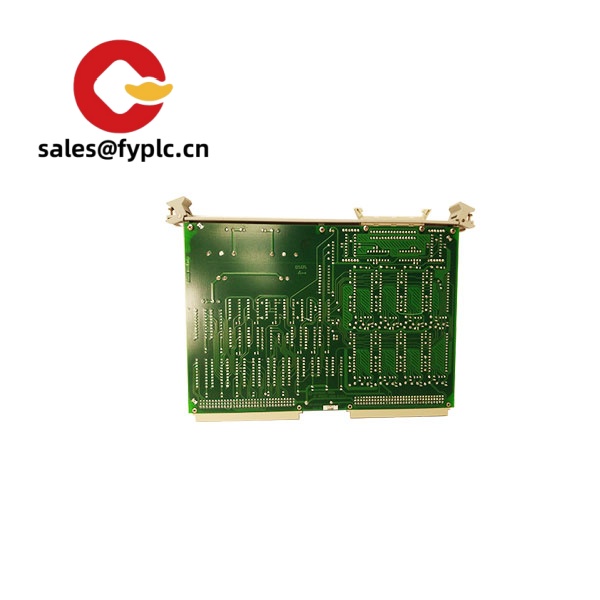
Motorola MVME715P – VME P2 Transition Module for MVME17x I/O Breakout
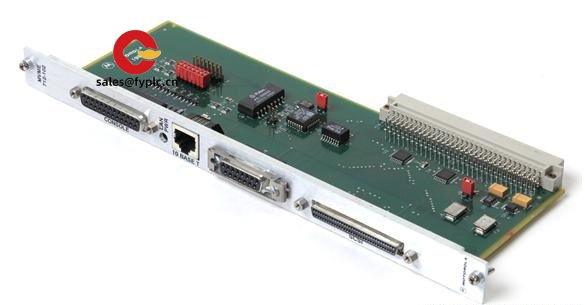
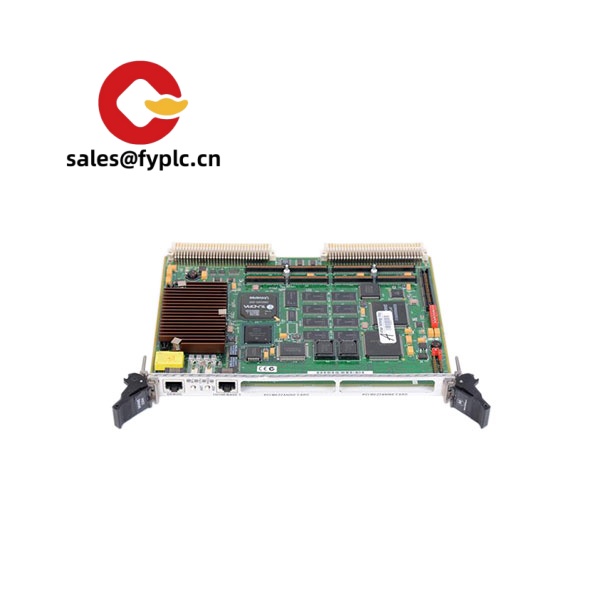
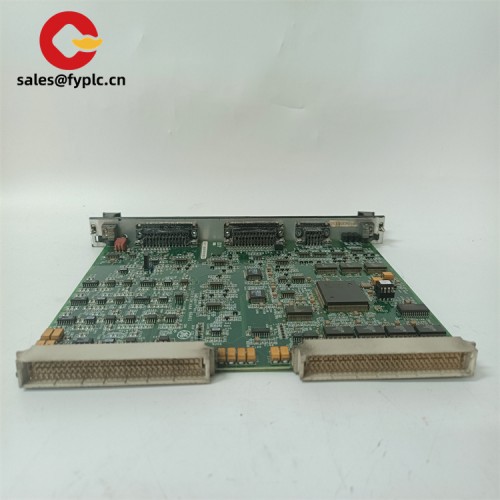
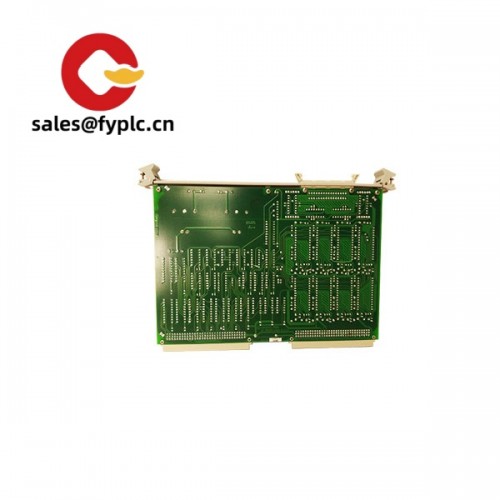
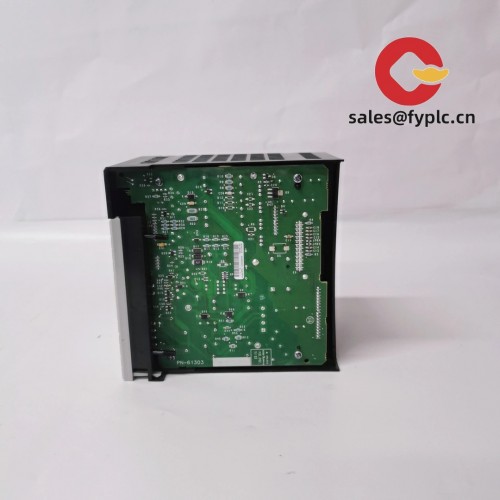
The Motorola MVME715P is a 6U VME rear transition module designed to bring the on-board I/O of MVME17x CPU boards (typically MVME172/MVME177) out to convenient, serviceable connectors. From my experience, this board is the go‑to choice when you need reliable SCSI, Ethernet, serial, and parallel access at the rear of a VME chassis without reworking the front-panel wiring. It’s passive, simple, and—most importantly—keeps legacy systems maintainable for years.
Company’s Order Placement Process and Guarantees
- Warranty period: 365 days
- Delivery time: 1 week for in-stock; no more than one month at the latest
- Payment method: 50% advance payment, full payment for delivery
- Express delivery methods: FedEx, UPS, DHL
You might notice that this process fits time-sensitive maintenance windows. We typically pretest boards, pack with ESD protection, and ship fast to minimize line downtime.
Key Features
- Rear I/O breakout for MVME17x – Routes on-board I/O from the CPU’s P2 connector to standard external ports, which makes service work a lot easier.
- Consolidated industrial interfaces – Typically includes 10BaseT Ethernet, SCSI-2 (8-bit SE), up to four RS‑232 async serial channels, and a Centronics-style parallel port, depending on variant.
- Passive design – No separate power input; it mates directly to the backplane and draws minimal power through the host as needed.
- 6U VME rear transition form factor – Fits standard VME enclosures with rear transition slots; clean cable routing in cabinets.
- Service-friendly layout – Clearly labeled connectors; technicians can swap and verify connections quickly in most cases.
- Legacy system longevity – Ideal for sustaining installed bases where the original I/O pinout and cabling must stay the same.
Technical Specifications
| Brand / Model | Motorola MVME715P |
| HS Code | 8473.30 (Parts and accessories for ADP machines) |
| Form Factor | 6U VME P2 rear transition module |
| Power Requirements | Passive board; no external power input (draws through host/backplane) |
| Dimensions & Weight | Approx. 233 × 160 mm (6U rear module); ~0.4–0.6 kg typical |
| Operating Temperature | 0 to +50 °C, non-condensing (commercial grade typical) |
| Signal I/O Types | 10BaseT Ethernet (RJ‑45) or AUI (variant-dependent), 1× SCSI‑2 (50‑pin), up to 4× RS‑232 async serial, 1× parallel (Centronics‑style) |
| Communication Interfaces | 10BaseT Ethernet, SCSI‑2 SE, RS‑232, Centronics parallel |
| Installation Method | Installs in rear transition slot; mates to host CPU P2; secured with chassis hardware |
| Compatible Hosts | Typically MVME17x series (e.g., MVME172, MVME177); verify I/O map for your board revision |
Related or Supporting Products
- Motorola MVME172 / MVME177 CPU boards – Primary host processors used with MVME715P.
- Motorola MVME715A / MVME715B / MVME715C – Similar transition modules; connector mix (10BaseT vs. AUI, serial breakout style) can differ by variant.
- Motorola MVME712M – Alternative transition module for MVME162/167 families.
- Motorola MVME761 – Transition module typically paired with later PowerPC MVME2600/2700 series.
- Recommended cabling – 50‑pin shielded SCSI‑2 cables, RJ‑45 Cat5e/6 patch leads, RS‑232 serial cables (DB‑style as required by your variant).
One thing I appreciate is how interchangeable the cabling tends to be, but small connector differences between variants can trip teams up. A quick photo or part list from your rack usually clears it up fast.
Installation & Maintenance
- Cabinet & chassis – Use a VME chassis with rear transition slots and adequate airflow. Keep at least 25 mm clearance for cable bend radius at the rear door.
- Wiring practice – Route SCSI separately from power lines, use proper termination on SCSI‑2 chains, and apply strain relief on serial/Ethernet leads.
- ESD & safety – Power down and discharge before installation. Handle by edges; avoid touching connector pins. Check pinouts if you’re mixing variants.
- Routine care – Inspect connectors quarterly, remove dust with dry air, and reseat during planned downtime. The module is passive, so there’s no firmware to update; keep the host CPU firmware current.
- Troubleshooting tip – If a port goes quiet, it’s typically a cabling or termination issue rather than the transition board itself. Swapping known‑good cables saves time.
Quality & Certifications
- CE and UL: Common for Motorola Computer Group VME hardware of this era; labeling can vary by production batch.
- RoHS: Earlier MVME715P units may predate RoHS. If you require RoHS-compliant stock, please specify—availability varies.
- Manufacturer warranty (historical): Typically 12 months at original sale. Our supplied units carry a 365-day warranty as stated above.
- Test & inspection: Units are usually function-checked on a compatible MVME17x host with loopback or live I/O before shipment.
Customer feedback (field service, automotive testing lab): “We replaced a damaged MVME715P and were back online in under two hours. The rear wiring stayed identical, which saved our scheduled test run.” That seems to be the typical experience when form-fit-function matters more than anything else.



Reviews
There are no reviews yet.