
Description
Alcatel SFM2-200G – 200G Switch Fabric Module for High‑Availability Carrier Routers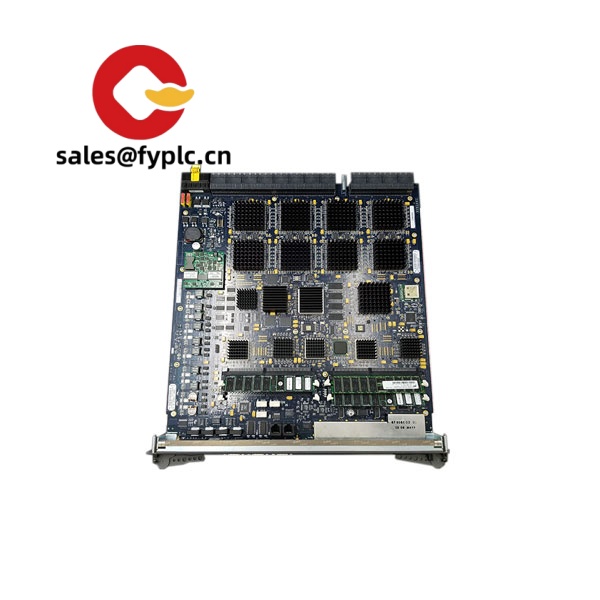
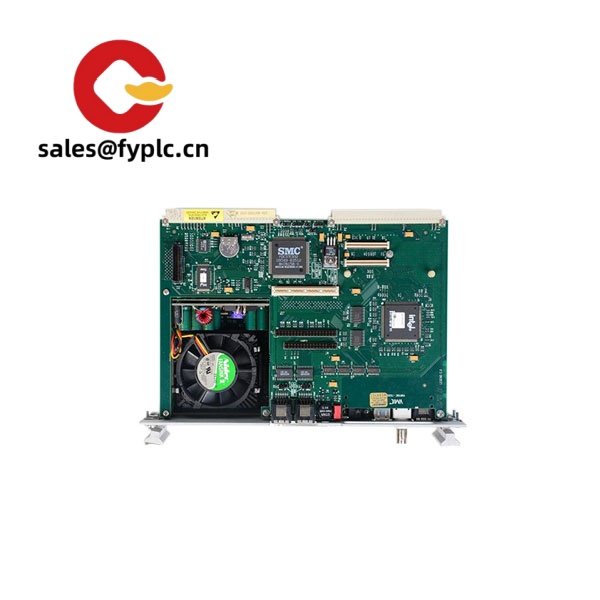
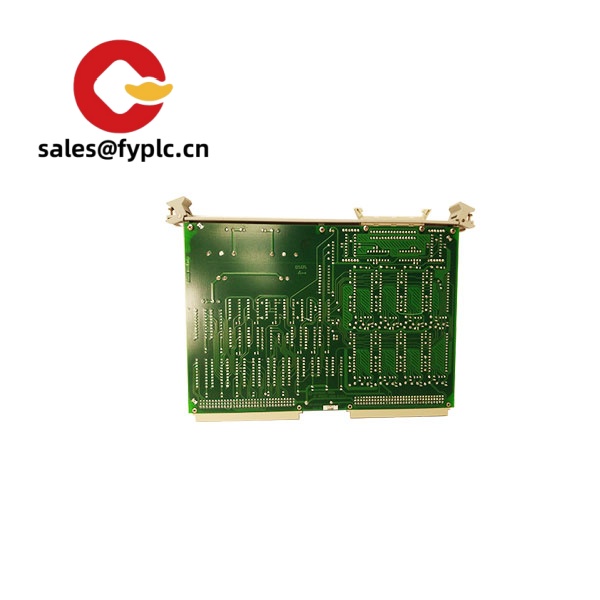
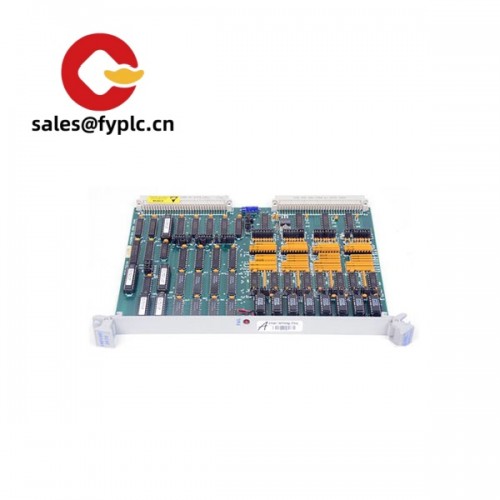
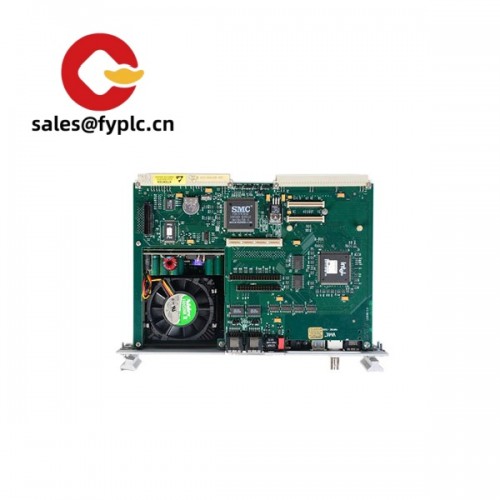
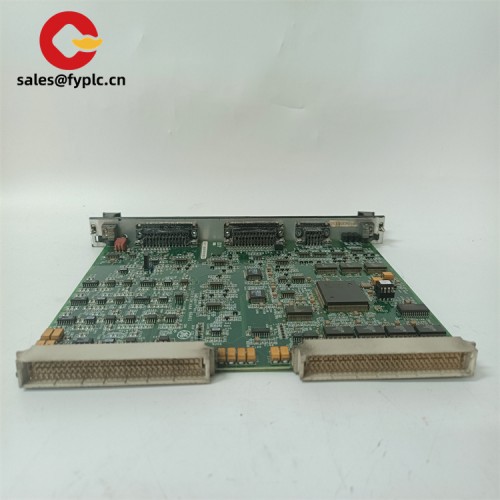
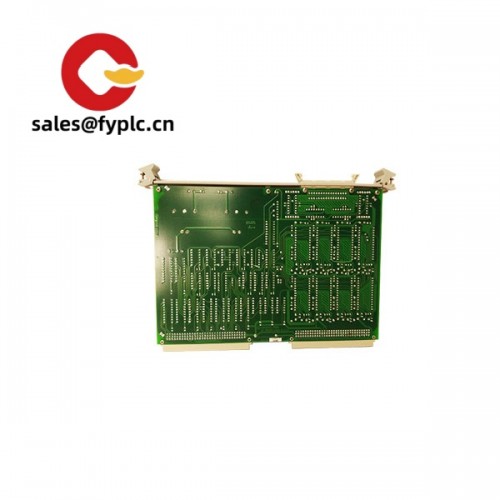
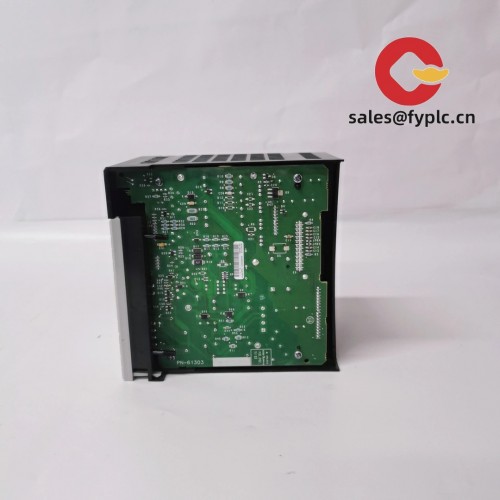
The Alcatel SFM2-200G is a switch fabric module designed to deliver up to 200 Gbps of backplane bandwidth per module in supported Alcatel-Lucent carrier-class chassis. From my experience, it’s typically deployed to increase aggregate throughput and enable N+1 fabric redundancy in service provider cores, MPLS edge nodes, and large enterprise aggregation layers. One thing I appreciate is the hot-swap design—swapping a failed fabric in a live chassis is usually a five-minute, low-risk job when redundancy is in place.
A network operations manager I worked with summed it up well: “We slotted in the SFM2-200G during a maintenance window and saw backplane utilization drop immediately at peak. No reboot, no customer tickets.”
Company’s Order Placement Process and Guarantees
-
- – Warranty: 365 days
-
- – Lead time: 1 week if in stock; no more than 1 month latest
-
- – Payment: 50% advance payment; full payment before delivery
- – Shipping: FedEx, UPS, DHL (express options)
Key Features
- 200 Gbps fabric capacity – Provides high backplane bandwidth for line cards, typically aggregated when multiple SFM modules are installed.
- Redundant N+1 operation – In many cases, the chassis supports fabric redundancy so traffic keeps flowing if one module is removed or fails.
- Hot-swappable – Replace or add the module without powering down the system when redundancy and software support are present.
- No user-facing ports – All connectivity is internal via the backplane; nothing to cable, which keeps the front panel clean and airflow steady.
- Chassis-powered via backplane – No separate power feed; the module draws power from the host system.
- Carrier-grade integration – Works within supported Alcatel-Lucent router/switch chassis families; exact compatibility varies by chassis and software release.
Technical Specifications
| Brand / Model | Alcatel SFM2-200G |
| HS Code | 8517.70 (Parts for telecommunication/data network equipment) |
| Power Requirements | Powered via chassis backplane; no external power input (typical consumption depends on chassis load and software) |
| Dimensions & Weight | Chassis plug-in card form factor; weight and exact size vary by revision (commonly around 1–1.5 kg) |
| Operating Temperature | Typically 0°C to +40°C when installed in a compliant chassis (follow host chassis specifications) |
| Signal I/O Types | No user-facing ports; internal high-speed fabric lanes to the backplane |
| Communication Interfaces | Backplane fabric links; management handled by the chassis control plane |
| Installation Method | Hot-swappable into the designated SFM slot; secure with captive screws; ESD precautions required |
Related or Supporting Products
- SFM3-400G – Higher-capacity switch fabric module for selected newer chassis; check software and midplane compatibility.
- SF/CPM (Control & Fabric Modules) – For chassis that integrate control and fabric on one card; versions vary by generation (e.g., increased CPU and fabric bandwidth).
- IOM / MDA line cards – Service and media-dependent adapters that benefit from higher fabric bandwidth; select models based on port speed mix (10G/40G/100G).
- Fan trays & PSUs – Maintaining adequate cooling and power headroom is essential when increasing fabric capacity.
Compatibility can vary by chassis generation and SR OS release. You might notice that some platforms require matched fabric revisions across slots—worth verifying before you schedule the change.
Installation & Maintenance
- Environment – Install in a 19-inch rack cabinet that meets the chassis airflow direction. Keep front and rear clearance for intake/exhaust; avoid recirculation.
- Handling – Use an ESD wrist strap, hold by the card edges, and keep the protective cover on the backplane connectors until you’re at the slot.
- Insertion – Verify the correct SFM slot, align the guide rails, slide in firmly, then tighten captive screws evenly. Check status LEDs and the system log for fabric activation.
- Redundancy checks – In most cases, you can validate active/standby or load-sharing status from the CLI. A quick switchover test during a window is worth doing.
- Routine care – Quarterly dusting of intake filters, review of fabric utilization, and keeping SR OS/firmware at the vendor-recommended release level typically keeps things stable.
Quality & Certifications
- CE and RoHS compliance are commonly indicated on the hardware; production markings can vary by batch.
- Manufactured for carrier-grade environments; designed to integrate with Alcatel-Lucent/Nokia systems and test procedures.
- Warranty coverage from us: 365 days. Manufacturer’s original warranty may differ depending on sourcing and region.



Reviews
There are no reviews yet.