
Description
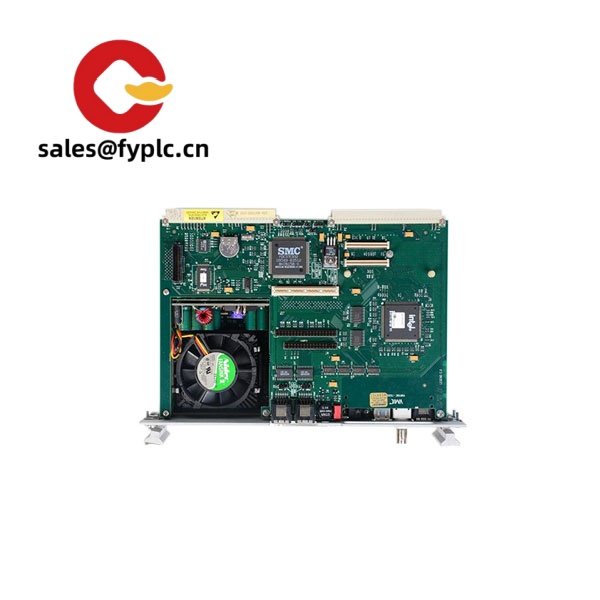
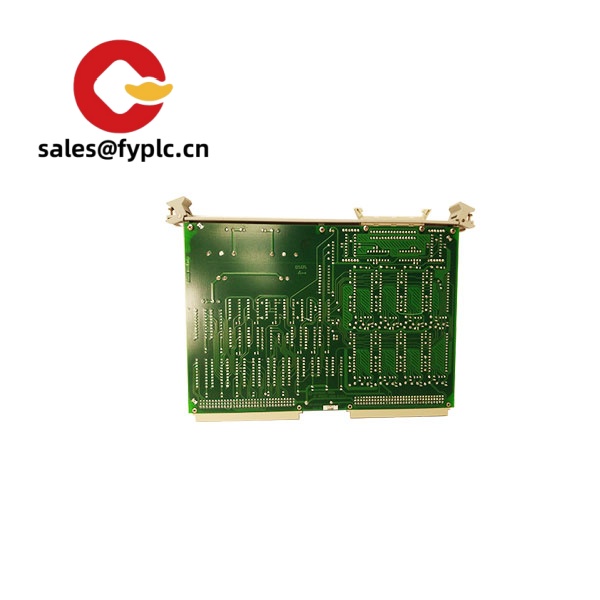
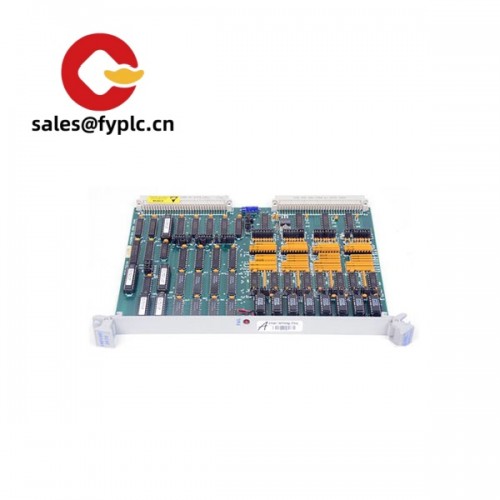
Rockwell Automation SST-PB3-SLC – PROFIBUS DP interface module for SLC 500 (1746) systems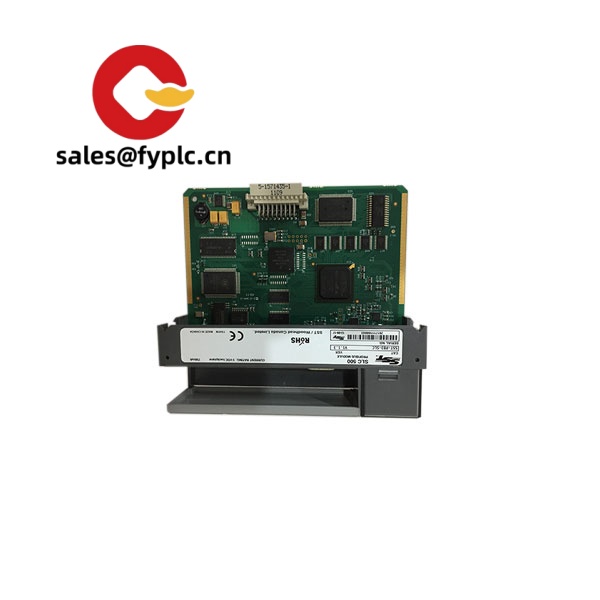
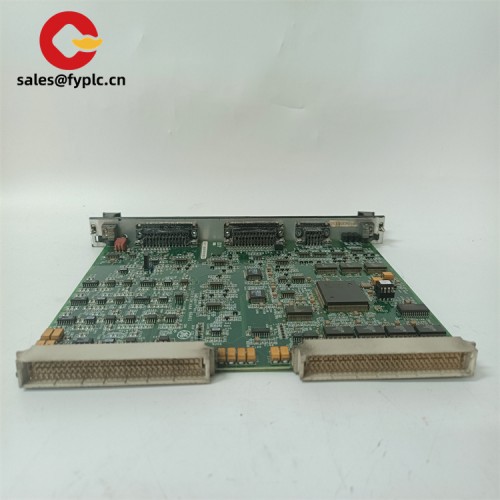
The Rockwell Automation SST-PB3-SLC brings PROFIBUS DP connectivity straight into an Allen‑Bradley SLC 500 chassis. From my experience, it’s the kind of drop-in module you add when an SLC needs to talk to PROFIBUS drives, remote I/O, or third‑party instruments without re‑architecting the whole control system. It typically supports PROFIBUS DP at up to 12 Mbps over a 9‑pin D‑sub, maps data into the SLC’s backplane memory structure, and gives you the diagnostics you need for commissioning and maintenance.
Typical use cases include tying an SLC 5/04 or 5/05 into Siemens G120/S120 drives, bringing in ET200 remote I/O, or linking to OEM skids that arrive “PROFIBUS‑ready.” One thing I appreciate is the predictable setup: load the correct GSD files, define the I/O map, set node addresses, and you’re usually online fast. You might notice that it simplifies migrations too—handy when the control room stays SLC while the field equipment is standardizing on PROFIBUS.
Order Placement Process and Guarantees
- Warranty period: 365 days
- Delivery time: 1 week for in‑stock items; no more than one month at the latest
- Payment terms: 50% advance payment, full payment before delivery
- Express delivery methods: FedEx, UPS, DHL
Key Features
- PROFIBUS DP connectivity – RS‑485 differential bus via 9‑pin D‑sub; suited for DP networks used with drives and distributed I/O.
- High‑speed bus support – Typically supports standard DP baud rates up to 12 Mbps with auto‑baud in many cases.
- Master or Slave operation (firmware dependent) – Commonly available as DP Master (Class 1) or configured as DP Slave, depending on firmware revision.
- SLC 500 backplane integration – Data is mapped into the SLC memory area for straightforward ladder access; helpful status and diagnostic information.
- GSD‑based device configuration – Add and parameterize DP devices using vendor GSD files for consistent I/O sizing and identification.
- LED and software diagnostics – Bus status, node health, and basic error counters simplify commissioning and troubleshooting.
- Standard 1746 form factor – Installs as a single‑slot module in a 1746 chassis; no external power supply needed in most cases.
- Shielding and isolation design – PROFIBUS port is typically isolated from the backplane; supports shielded twisted‑pair “Type A” cable practices.
Technical Specifications
| Brand / Model | Rockwell Automation SST-PB3-SLC |
| HS Code | 8537.10 (Programmable controllers / control panels) |
| Power Requirements | Supplied by 1746 backplane (5 VDC); typical draw comparable to SLC communication modules |
| Dimensions & Weight | Single‑slot 1746 module; approx. 145 × 38 × 132 mm; typical weight around 0.3 kg |
| Operating Temperature | 0 to 55 °C (typical for SLC 500 modules) |
| Signal Input/Output Types | PROFIBUS DP (RS‑485 differential bus) via 9‑pin D‑sub; SLC 1746 backplane data interface |
| Communication Interfaces | PROFIBUS DP up to 12 Mbps (standard DP rates); configuration via GSD/device manager tools |
| Installation Method | Plugs into a 1746 chassis slot; front 9‑pin D‑sub to PROFIBUS trunk with proper termination |
Related or Supporting Products
- ProSoft MVI46-PDPMV1 – PROFIBUS DP Master for SLC 500; widely used alternative with robust diagnostics and flexible data mapping.
- ProSoft MVI46-PDPS – PROFIBUS DP Slave for SLC 500; when the SLC must appear as a DP device to a third‑party master.
- Rockwell 1746-Ax chassis & 1746-Px power supplies – Required base and supply options to host the SST-PB3-SLC module.
- PROFIBUS connectors and cable (Type A) – 9‑pin D‑sub connectors with integrated termination; shielded twisted‑pair bus cable.
- SST-PB3-PCI – PC‑based PROFIBUS card from the same family; useful for engineering stations or test benches.
Installation & Maintenance
A quick, practical setup usually looks like this: mount the module in a 1746 chassis, wire the PROFIBUS trunk with proper termination at both ends, load the GSD files for each device, and define the I/O map. Below are some field‑proven notes that typically save time.
- Cabinet & environment – Install in a clean, dry control cabinet with adequate ventilation. Keep PROFIBUS wiring away from high‑voltage cabling; ground the cable shield at one end as per site EMC policy.
- Chassis and power – Use a compatible 1746 chassis and a power supply sized for the controller and all modules. From my experience, leaving 20–30% headroom helps with reliability.
- Wiring – Use Type A shielded twisted‑pair PROFIBUS cable. Maintain correct polarization (A/B), and set termination only on the first and last node. Use quality 9‑pin D‑sub connectors with strain relief.
- Addressing & baud rate – Assign unique station addresses. The module typically auto‑detects standard DP baud rates; still, I like to fix the rate on stable networks to reduce chatter during recovery.
- Configuration – Import GSD files for each device, set I/O sizes and parameters, and verify the cyclic data lengths match the SLC memory map. A brief walk‑through of ladder logic for status bits pays off later during maintenance.
- Safety – Power down the chassis before inserting or removing the module. PROFIBUS is not a live‑insert interface on these modules.
- Routine maintenance – Periodically check connector screws, shield continuity, and termination resistors. Clean dust from the chassis, and back up configuration files and GSD libraries. If available, apply firmware updates during scheduled downtime.
Simulated feedback from a packaging OEM: “We used the SST‑PB3‑SLC as the DP master to pull data from six drives and two ET200 islands. Commissioning was straightforward after we fixed one connector termination. Diagnostics were clear enough that our techs isolated the issue in minutes.”
Quality & Certifications
- CE and UL/cUL listings are commonly associated with this module family; RoHS compliance is typical for later revisions.
- Manufacturer warranty: typically provided by Rockwell Automation; sales warranty on this offer is 365 days as stated above.



Reviews
There are no reviews yet.