
Description
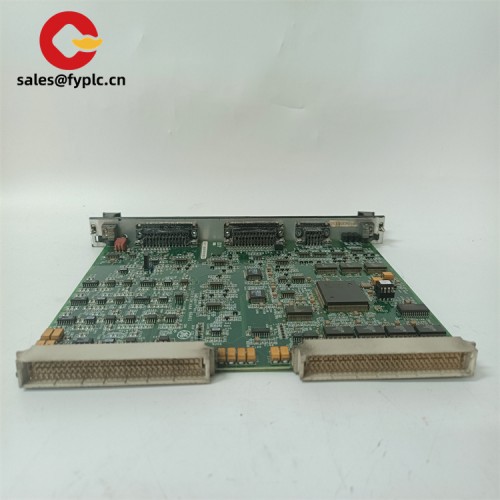
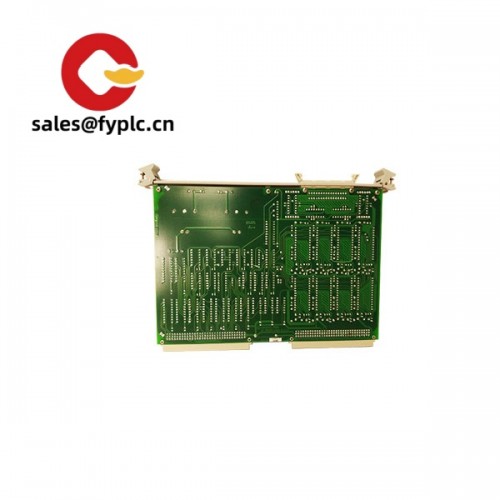
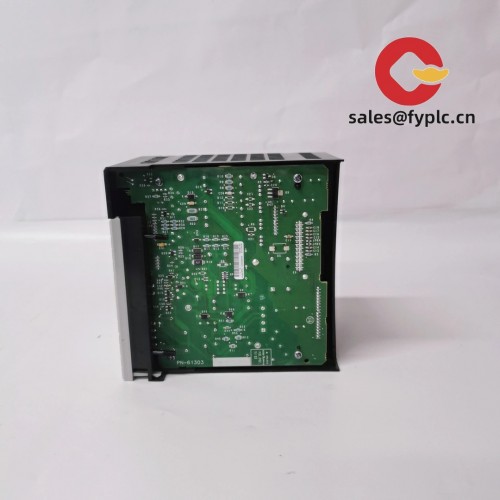
ABB TP858 (3BSE018138R1) – Industrial Operator Panel for ABB 800xA/Freelance HMI tasks
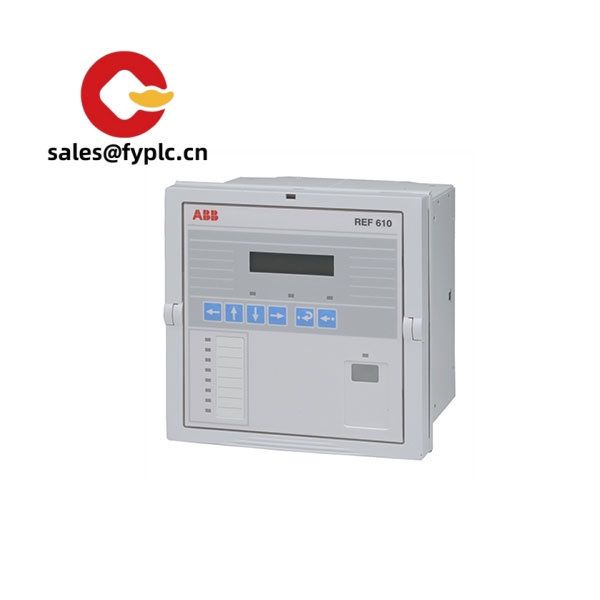
The ABB TP858 (part number 3BSE018138R1) is an industrial operator panel used widely as a front-end HMI in ABB 800xA and, in many cases, Freelance-based systems. From my experience, it’s chosen when teams want a robust, 24 VDC, panel‑mounted touchscreen that integrates cleanly over Ethernet to the control network and keeps day-to-day operations simple for operators. You might notice that integrators like it for modernization projects too—TP-series panels tend to be drop-in friendly and straightforward to commission.
Our Order Placement Process and Guarantees
- Warranty: 365 days
- Delivery: 1 week if in stock; no more than one month at the latest
- Payment: 50% advance payment; full payment before delivery
- Express options: FedEx, UPS, DHL
Key Features
- Industrial HMI panel for ABB systems – Typically paired with ABB 800xA or Freelance for process supervision and control.
- 24 VDC power – Standard control-cabinet supply keeps wiring simple and consistent with PLC/RTU infrastructure.
- Rugged touchscreen front – Usually a resistive touch interface that operators can use with gloves; suited for plant environments.
- Network-ready – Ethernet connectivity for SCADA/DCS communication; helps centralize engineering and maintenance.
- Legacy-friendly I/O – Many TP units provide serial (RS‑232/485) and USB, which seems to be helpful when bridging older devices.
- Panel-mount form factor – Clean fascia with rear cabinet depth; often fanless for higher reliability.
- Stable lifecycle choice – Known ABB part coding (3BSE018138R1) eases spares management and BOM traceability.
- Field feedback – A maintenance lead told us startup time and operator response “felt snappier” versus their older terminal, especially on large mimic pages.
Technical Specifications
| Brand / Model | ABB TP858 – 3BSE018138R1 (Operator Panel / HMI) |
| HS Code | 8537.10 (Boards, panels, consoles for electric control, ≤1000 V) |
| Power Requirements | 24 V DC (typical for TP-series; verify against your installed hardware revision) |
| Operating Temperature | Typically 0…+50 °C (panel front); derating may apply by mounting and airflow |
| Communication Interfaces | Ethernet (10/100); often includes RS‑232/RS‑485 and USB host/device on TP-series panels |
| Signal I/O Types | No onboard process I/O; communicates to PLC/DCS via Ethernet/serial protocols |
| Installation Method | Panel mount (cabinet door or console); VESA adapters may be used depending on revision |
| Dimensions & Weight | Varies by hardware version; typical TP panels are mid-depth, ~60 mm cabinet intrusion; request outline drawing if cutout is critical |
Note: Exact interfaces and ratings can differ by TP858 hardware/OS revision. For replacement projects, I typically match by full ABB code (3BSE018138R1) and the installed firmware image.
Related or Supporting Products
- ABB TP857 – Earlier TP-series operator panel; similar role with slightly different display/port options.
- ABB TP860 – Later TP-series panel; typically higher performance and updated interfaces.
- ABB Panel 800 PP865 / PP877 – Full-featured Panel 800 HMIs with broad protocol support; good when you need richer local visualization.
- ABB TPC857/TPC8xx (Panel PC) – Integrated PC-based panels; useful if you need a Windows/soft-HMI environment or 800xA thin-client sessions.
- ABB AC 800M controllers (e.g., PM864A) + CI modules – Common PLC/DCS counterparts the TP858 visualizes; pairing keeps engineering inside the ABB toolchain.
Installation & Maintenance
- Mounting – Install in a rigid, grounded panel with correct cutout and gasket compression. From my experience, keeping at least 70–80 mm cabinet depth behind the unit avoids cable strain.
- Power & wiring – 24 VDC, properly fused; connect protective earth. Use shielded Ethernet in noisy areas and segregate from power cables.
- Environment – Maintain cabinet ventilation; avoid direct sunlight and dripping/condensing moisture. The front bezel typically achieves high IP rating when properly seated.
- Commissioning – Load the approved HMI runtime or thin-client image; verify network settings (IP, VLAN, time sync). Back up the image after acceptance.
- Routine care – Clean the screen with antistatic wipes; don’t use solvents. Calibrate the resistive touch if pointer drift is noticed.
- Firmware/patching – Plan periodic updates in alignment with your 800xA/Freelance baseline. Many sites schedule this alongside DCS patch windows.
- Spare strategy – Keep one pre-imaged TP858 on the shelf. A customer told us a 20‑minute swap minimized their downtime during an unexpected power event.
Quality & Certifications
- CE compliant; RoHS alignment typical for ABB operator panels
- UL/cUL industrial control equipment (varies by revision)
- Manufactured under ABB’s ISO 9001 quality system
- Supplier warranty: 365 days; manufacturer’s standard warranty terms apply when sourced via authorized channels
If you’re replacing an installed TP858, share the exact front label photo or the system’s BOM reference. It makes matching the hardware/firmware combination much smoother—and typically speeds up delivery.



Reviews
There are no reviews yet.