
Description
ANYBUS ABDT-PDP-3183203131 – Portable PROFIBUS DP Diagnostic Tool for fast network troubleshooting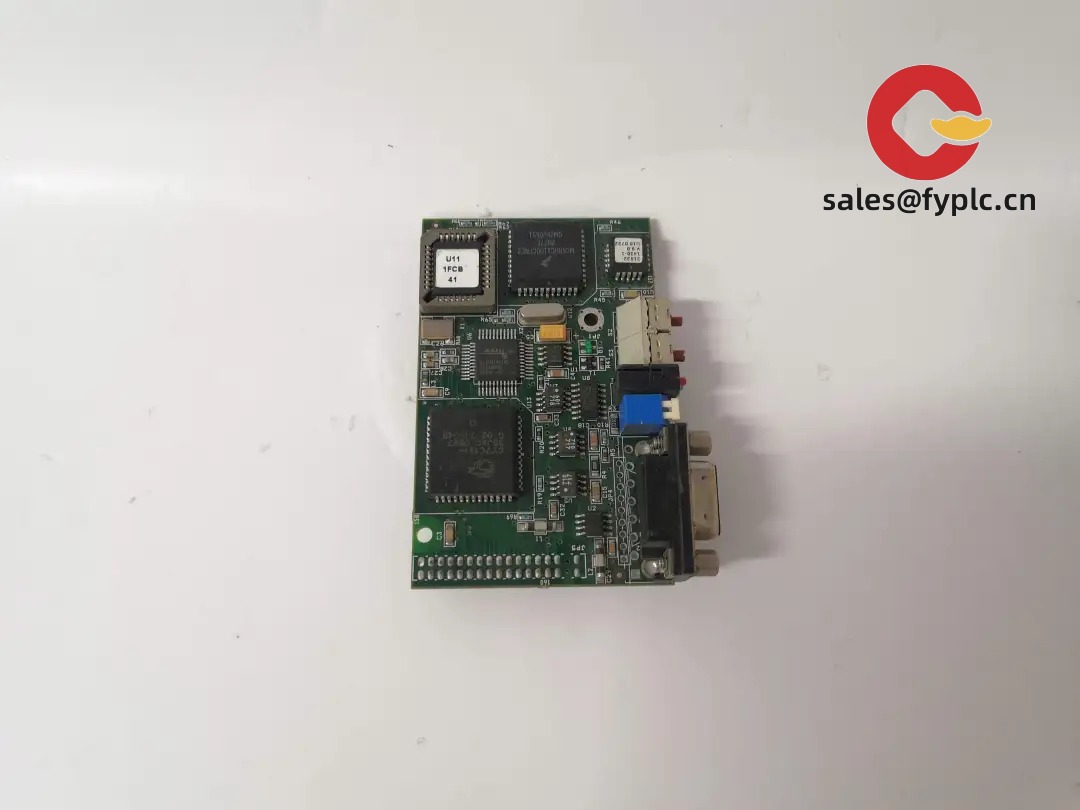
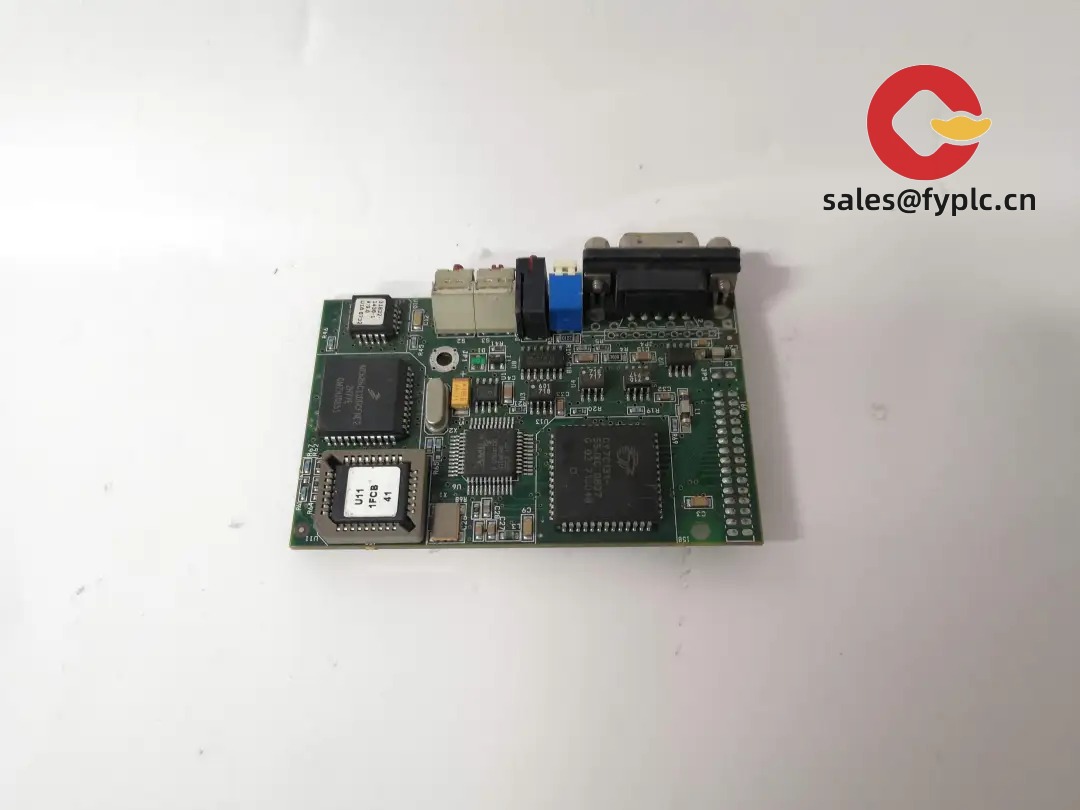
The ANYBUS ABDT-PDP-3183203131 is a dedicated PROFIBUS DP diagnostic tester designed for maintenance engineers who need clear, quick answers on bus health. From my experience, it’s the kind of tool you pull out when a line intermittently faults at high load, or a new machine won’t join the DP network at 1.5/12 Mbit/s. You might notice that it combines physical-layer checks with live bus analysis, so you can confirm termination, see signal quality, and review device status in one go—typically reducing guesswork during downtime.
Company’s Order Placement Process and Guarantees
- Warranty: 365 days
- Delivery: 1 week for in-stock items; no more than one month at the latest
- Payment: 50% advance payment, full payment before delivery
- Express shipping: FedEx, UPS, DHL
Key Features
- Purpose-built for PROFIBUS DP (RS‑485) networks – Typically supports 9.6 kbit/s up to 12 Mbit/s for DPV0/DPV1 systems.
- Physical-layer health check – Quickly assess termination, reflections, noise margins and line integrity to catch cabling issues early.
- Live device list and status – See masters and slaves, addresses, response quality and basic diagnostics to pinpoint the problematic node.
- Bus load and telegram monitoring – Helps relate sporadic faults to cycle time, bus utilization, or specific message bursts.
- Portable and service-friendly – USB-powered operation in most cases; connects via standard PROFIBUS 9‑pin D‑sub for field use.
- Data logging and report export – Store snapshots and produce maintenance reports; very handy for FAT/SAT or periodic audits.
- Galvanic isolation on the bus side – Reduces the risk of disturbing a live network while tapping signals.
- Rugged for shop-floor work – Compact housing that fits a small tool pouch; typically survives daily commissioning routines.
Technical Specifications
| Parameter | Details |
|---|---|
| Brand / Model | ANYBUS ABDT-PDP-3183203131 (PROFIBUS DP Diagnostic Tool) |
| HS Code | 9031.80.0000 (Measuring/Checking Instruments, NESOI) |
| Power Requirements | USB 5 V DC (typical); optional 24 V DC auxiliary input depending on kit; consumption < 5 W (typical) |
| Bus Support | PROFIBUS DP (RS‑485 per EN 50170); 9.6 kbit/s … 12 Mbit/s; DPV0/DPV1 diagnostics |
| Signal I/O | 1 × PROFIBUS DP port (DB9), galvanically isolated; passive tap/inline modes |
| Communication Interfaces | USB 2.0 device (PC connection for software, power, and reporting) |
| Dimensions & Weight | Approx. 160 × 95 × 40 mm; ~0.35 kg (handheld format) |
| Operating Temperature | 0 … +50 °C (typical); storage −20 … +70 °C |
| Installation Method | Portable field tool; connects at a DP node, junction, or diagnostic tap; no DIN-rail mounting required |
| Software | PC-based diagnostic software for live view, logging, and report export (CSV/PDF), depending on package |
Application Fields
This unit fits maintenance, commissioning, and auditing tasks across discrete manufacturing and process segments that standardize on PROFIBUS DP. Typical sites include packaging lines, bottling and food plants, metals and automotive body shops, material handling systems, and retrofit projects where legacy DP and newer PLCs coexist.
- Commissioning new DP segments and validating cabling/termination before go-live.
- Root-cause analysis for intermittent I/O timeouts at higher baud rates (e.g., 1.5 or 12 Mbit/s).
- Periodic network health audits and preventive maintenance reporting.
- Vendor acceptance tests for OEM skids prior to shipment.
“We used it on a filling line that only failed at night shifts—turned out a poorly crimped DB9 and marginal termination. Five minutes on the tester and the issue was obvious.” — Maintenance Supervisor, beverage plant
Advantages & Value
- Reliability under pressure – Fast, readable diagnostics so teams don’t spend a shift chasing a wiring ghost.
- Compatibility – Works with standard PROFIBUS DP wiring and connectors; typically respects existing master/slave setups.
- Cost savings – Shorter downtime and fewer unnecessary part swaps; clearer direction for cabling repairs.
- Procurement-friendly – USB-powered field tool (low accessories count) with straightforward reporting for compliance documentation.
- Technical support – Backed by a well-known industrial networking brand in many cases, with active firmware and software updates.
Installation & Maintenance
- Environment – Use in a dry, ventilated area; keep within 0…50 °C. Avoid direct contact with conductive dust or oil mist.
- Panel/Cabinet – No fixed mounting required. When testing within a cabinet, ensure sufficient space to route the DB9 connector without strain.
- Wiring – Connect to the PROFIBUS DP 9‑pin D‑sub or via a diagnostic tap. Confirm segment termination is correct at the ends only.
- Safety – If connecting inline on a live network, ensure galvanic isolation is present and follow plant LOTO policy as required.
- Routine care – Keep connectors clean, check the USB cable condition, and update PC software/firmware periodically for new features.
- Calibration – Physical-layer thresholds are factory-defined; if your QA policy requires it, schedule annual verification with the vendor.
Recommended Accessories (sold separately)
- PROFIBUS DB9 diagnostic tap for non-intrusive measurements.
- Shielded PROFIBUS DP cable and angled DB9 connectors for tight panels.
- Inline PROFIBUS terminator with switchable resistor for segment ends.
- USB 2.0 PC cable and, where required, a 24 V DC desktop power adapter.
Quality & Certifications
- Conformity: CE and RoHS compliant (typical for this product category).
- Standards: Designed for PROFIBUS DP per EN 50170/IEC 61158 RS‑485 physical layer.
- Warranty: 365 days (provided by us, terms apply).
Ordering Notes
- Please specify your PROFIBUS baud rate and connector style (straight or angled DB9) if you need cables in the same shipment.
- If your installation uses repeaters or long trunk lines, we can suggest tap placement and test procedure to speed up commissioning.
- For multi-day audits, consider a spare USB cable and a diagnostic tap per segment to move faster.



Reviews
There are no reviews yet.