
Description
NI PXI-8820 – Embedded PXI Controller for Reliable Automated Test and Measurement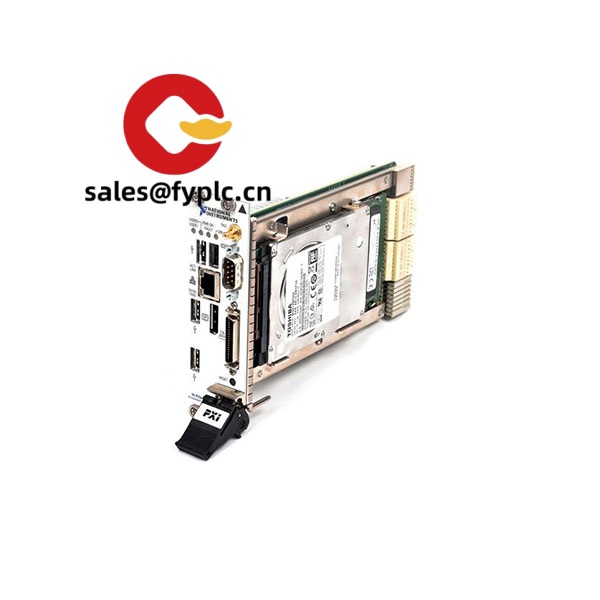
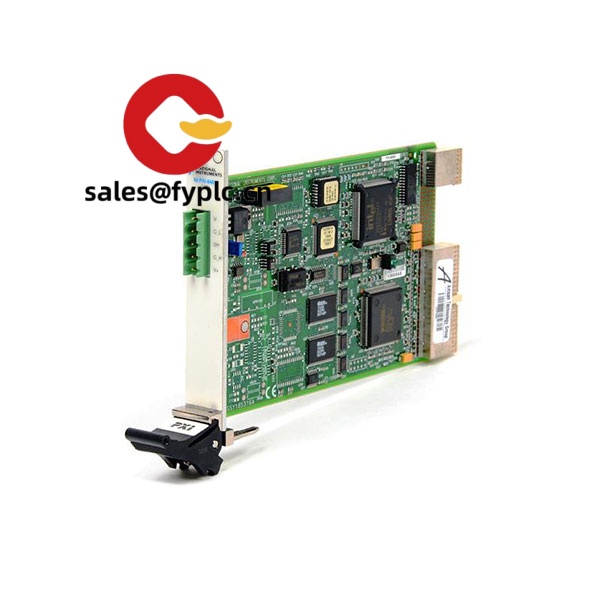
The NI PXI-8820 is a 3U embedded system controller designed to run your PXI-based automated test benches with dependable performance and straightforward integration. It slots directly into the system controller position of a PXI chassis and takes care of runtime control, data movement, and system synchronization—without a separate desktop PC. From my experience, the PXI-8820 suits teams consolidating legacy PCI-based instruments or maintaining validated test sequences where stability matters more than chasing the newest platform.
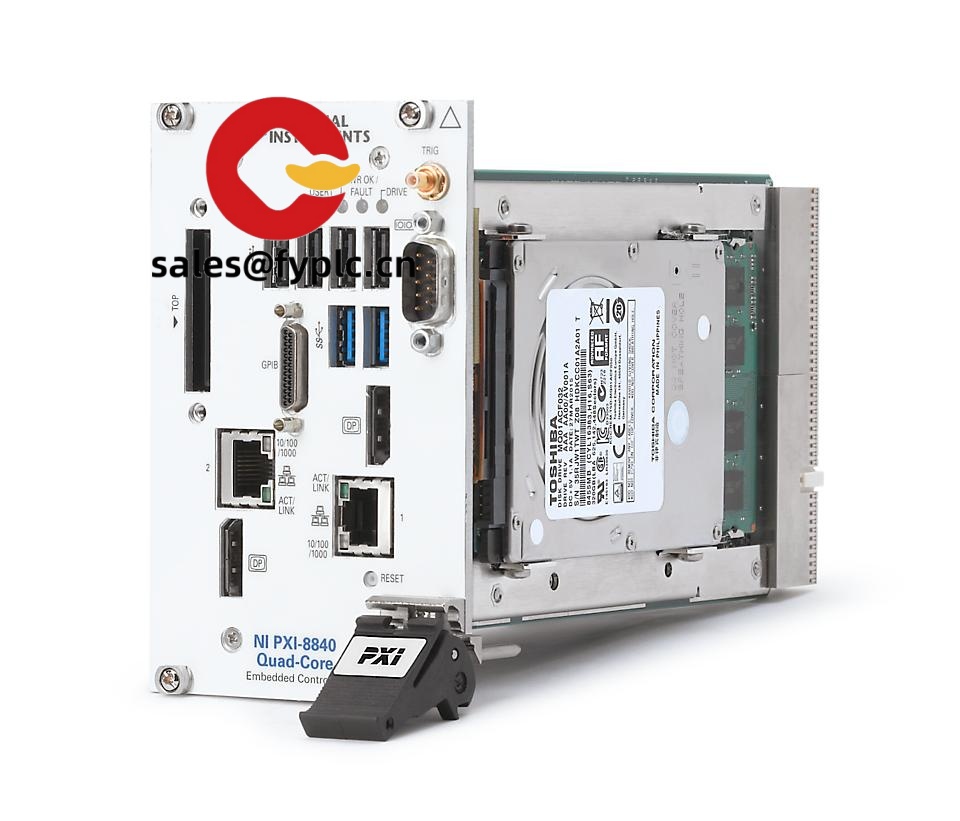
You might notice that it brings the essentials you’d expect on an NI controller—Ethernet for network handoff, multiple USB ports for peripherals, video out for local HMI, and standard serial for equipment that never really goes away. Typical use cases include end-of-line testers, maintenance/repair depots, and lab benches standardizing on PXI timing resources while keeping a compact footprint. One thing I appreciate is how predictable system bring-up is—install the controller, connect your I/O, deploy your software image, and you’re up in a few minutes in most cases.
Company’s Order Placement Process and Guarantees
- Warranty period: 365 days
- Delivery time: 1 week for in-stock; no more than one month at the latest
- Payment: 50% advance payment; full payment before delivery
- Express delivery: FedEx, UPS, DHL
Key Features
- Integrated PXI system controller – 3U, 1‑slot controller that powers from the chassis backplane; no external PSU required.
- Stable, proven platform – Typically used for PCI-based PXI systems where software and instrument compatibility are the priority.
- Essential I/O on board – Ethernet, USB, video output, and serial ports for quick connection of HMIs, storage, and legacy gear.
- PXI timing and triggering access – Uses the PXI backplane for deterministic triggers and system synchronization across modules.
- OS flexibility – Commonly deployed with Windows or LabVIEW Real‑Time images, depending on your determinism and maintenance needs.
- Service-friendly design – Front-access connections and standard storage options make field swaps and imaging straightforward.
- Good fit for long-life testers – In many cases chosen to extend validated stations without requalifying the entire stack.
Technical Specifications
| Brand / Model | NI PXI-8820 |
| HS Code | 8471.50 (Processing units for automatic data processing machines) |
| Power Requirements | Powered via PXI backplane (5 V/3.3 V rails); typical controller consumption is modest and supported by standard PXI chassis slots |
| Dimensions & Weight | 3U PXI, 1‑slot form factor; depth consistent with standard PXI controllers; approx. 1 kg depending on storage configuration |
| Operating Temperature | Typically 0 °C to 50 °C (noncondensing environment) |
| Signal Input/Output Types | USB (peripherals/storage), RS‑232 serial, video output (for local display), Ethernet (networking), PXI backplane triggers/clock |
| Communication Interfaces | 10/100/1000 Ethernet, multiple USB 2.0 ports, RS‑232; optional GPIB available in some configurations |
| Installation Method | Front-insert to the PXI system controller slot; secure with captive screws; no external power or rear cabling required |
| Chassis Compatibility | 3U PXI chassis (CompactPCI-compatible); not intended for PXIe-only system controller slots |
Related or Supporting Products
- NI PXI-8821 – Similar controller class with step-up performance in many deployments; consider if you need a bit more headroom.
- NI PXI-8108 – Well-known PXI controller used widely in validated stations; good alternative when matching legacy images.
- NI PXIe-8840 – Next-generation PXI Express controller; choose when you need PCIe bandwidth for newer PXIe instruments.
- NI PXI-1042 / PXI-1045 Chassis – Robust PXI chassis options for medium to large test systems.
- NI PXI-8336 (MXI-Express) – For remote PC control of a PXI chassis if you later reconfigure without an embedded controller.
- Storage & media – SATA SSD upgrades and replacement drive kits for faster boot and better reliability compared to HDDs.
Note: Interface population and exact port counts can vary by controller configuration. If you share your OS image and required ports, we’ll recommend a matching build that avoids unexpected requalification.
Customer feedback from an automotive lab lead: “Swapping in the PXI-8820 was painless—we reimaged, connected our serial barcode reader and GigE network, and our existing test sequence ran without edits.”
Installation & Maintenance
- Cabinet & chassis environment – Mount the PXI chassis in a 19-inch rack or bench with at least 100 mm clearance at intake/exhaust; keep ambient typically within 0–50 °C.
- Ventilation – Ensure unobstructed airflow; avoid cabling that blocks the controller’s intake; filter dust if operating in production floors.
- Power & grounding – Use a properly grounded AC feed for the chassis; verify earth continuity to minimize measurement noise.
- Wiring – Secure Ethernet and serial with strain relief; route USB away from high-voltage bundles to reduce interference.
- Software image – Keep a validated disk image (Windows or LabVIEW RT) for rapid recovery; back up project drivers and licenses.
- Firmware & BIOS – Periodically check for BIOS/driver updates that improve stability; update during scheduled downtime only.
- Routine care – Inspect fans and clean intake filters quarterly in dusty sites; monitor SMART status if using HDDs—SSD is usually better for uptime.
- ESD & safety – Follow standard ESD precautions when inserting/removing modules; power down the chassis before servicing.
Quality & Certifications
- Compliance: CE and RoHS for typical NI PXI controllers; UL/CSA certifications generally apply at the chassis/system level.
- Manufacturing: NI production often aligns with ISO 9001 quality systems.
- Warranty: 365-day warranty provided by us; extended coverage or advance replacements can be discussed case by case.
- Documentation: Certificate of Conformance and test reports available on request for your QA files.



Reviews
There are no reviews yet.