
Description
NI PXIe-8115 Embedded Controller for PXI Express Test Systems – Reliable Core i5 Performance for Bench and Production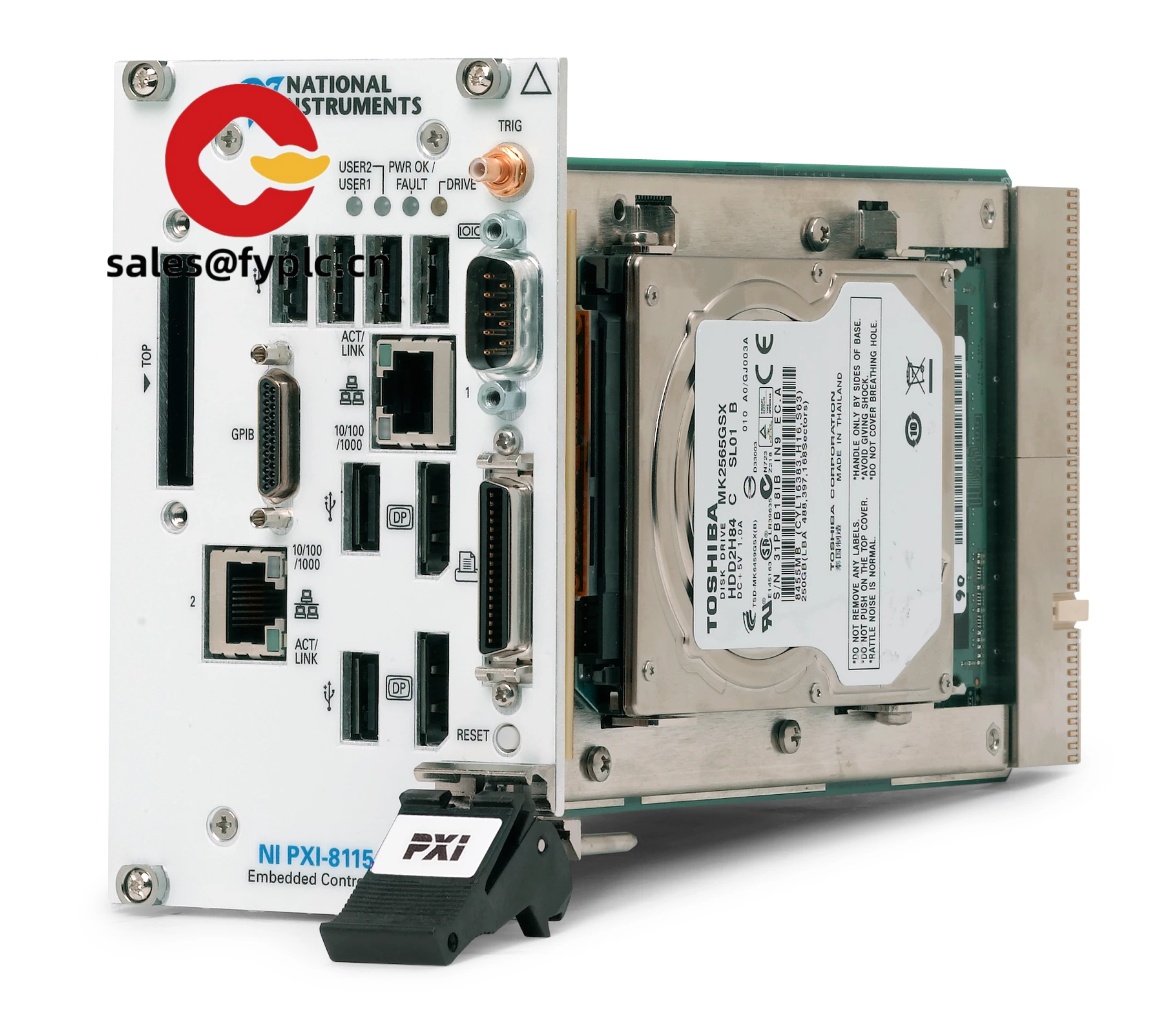
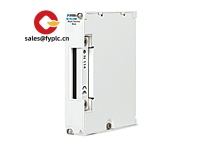
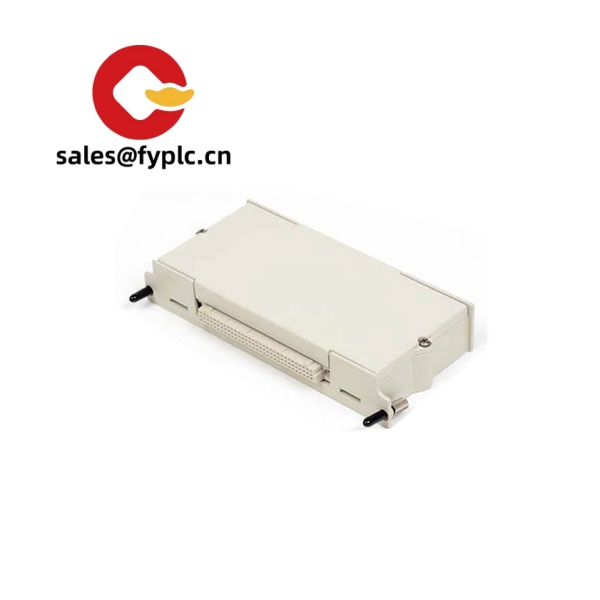
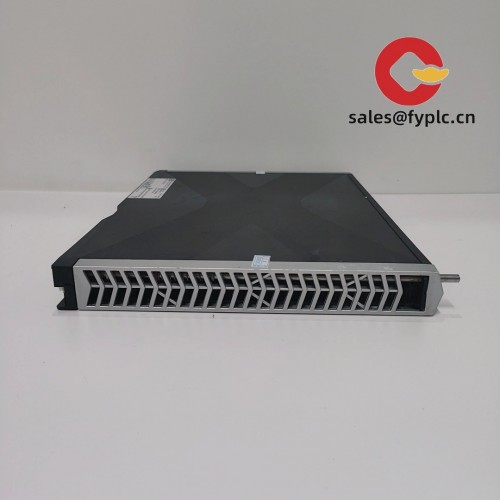
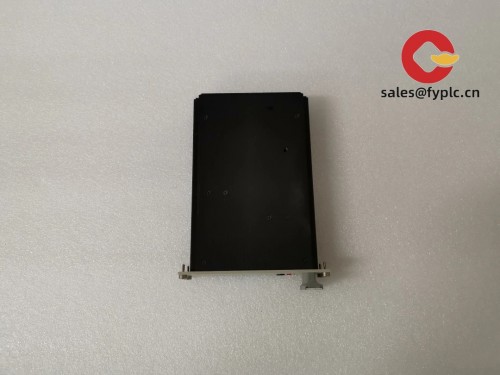
The NI PXIe-8115 is a 3U PXI Express embedded controller designed to be the brain of a PXIe chassis. From my experience, it hits a sweet spot for teams that need dependable dual‑core performance, solid I/O, and long-life availability without the power draw of the higher-end quad-core units. It’s typically fitted with an Intel Core i5 processor, supports DDR3 memory up to 16 GB, and offers stable Windows or LabVIEW Real‑Time deployments for automated test and data acquisition.
Company’s Order Placement Process and Guarantees
-
- – Warranty period: 365 days
-
- – Delivery time: 1 week for in-stock items; no more than one month at the latest
-
- – Payment method: 50% advance payment; full payment before delivery
- – Express delivery methods: FedEx, UPS, DHL
Key Features
- Balanced Core i5 processing – Typically an Intel Core i5 dual‑core around 2.5 GHz (Turbo Boost supported), which seems to be ample for sequence control, DAQ, and moderate analysis tasks.
- PXI Express system controller – Dedicated system timing and PCIe Gen 2 backplane connectivity for low‑latency instrument control in mixed PXI/PXIe systems.
- Flexible OS options – Supports Windows deployments; PXIe‑8115 RT variants support LabVIEW Real‑Time for deterministic applications.
- Practical I/O on the front panel – Typically includes dual Gigabit Ethernet, multiple USB ports, serial (RS‑232), and dual DisplayPort for dual‑monitor setups.
- Field serviceable storage – 2.5″ SATA HDD/SSD options make it straightforward to image, clone, or upgrade for faster boot and logging.
- Built for test benches and lines – In many cases, customers run it 24/7 in PXIe chassis such as PXIe‑1082/1085 with no surprises, provided airflow is managed.
Technical Specifications
| Brand / Model | NI PXIe-8115 (PXI Express embedded controller) |
| HS Code | 8471.50 (Processing units of automatic data processing machines) |
| Processor | Intel Core i5 dual‑core, approx. 2.5 GHz base with Turbo Boost (typical configuration) |
| Memory | DDR3, up to 16 GB; 4–8 GB commonly installed at shipment |
| Storage | 2.5″ SATA HDD or SSD; imaging/cloning supported for fast swaps |
| Power Requirements | Powered via PXIe chassis backplane; typical consumption ~45–60 W depending on configuration |
| Dimensions & Weight | 3U, 1‑slot PXIe module; depth approx. 215 mm; weight approx. 1.4–1.6 kg |
| Operating Temperature | 0 to 55 °C operating; 10–90% RH, non‑condensing (typical NI PXIe controller rating) |
| Signal I/O Types | 2 × DisplayPort, 2 × RJ‑45 Gigabit Ethernet, 4 × USB 2.0, 1 × RS‑232 (DB‑9) |
| Communication Interfaces | PXI Express backplane (PCIe Gen 2, system controller link), Ethernet, USB; GPIB via USB‑GPIB (optional) |
| Installation Method | Installs in the PXIe system controller slot (leftmost) of a 3U PXIe chassis |
| OS Support | Windows (e.g., Windows 7); LabVIEW Real‑Time on PXIe‑8115 RT variants |
Where it fits well
You might notice that the PXIe‑8115 shines in applications where instrument count is moderate and sequence control dominates: functional test in electronics, battery module validation, small HIL benches, and sensor characterization. One automotive customer shared that swapping an older PXI controller to the PXIe‑8115 cut their test sequence runtime by roughly 20–30% without touching test code—mostly due to faster disk and PCIe backplane throughput.
Related or Supporting Products
- NI PXIe-8135 – Higher‑end quad‑core controller for heavier analysis; expect faster multi‑threaded performance and USB 3.0 on later revisions.
- NI PXIe-8840 – Newer‑generation embedded controller with stronger CPU and chipset; ideal when you need extended lifecycle and Windows 10 support.
- NI PXIe-8108 – Earlier Core 2 Duo PXI Express controller; workable for legacy systems but typically slower than the 8115.
- NI PXIe-8821 – Value dual‑core option; suitable when budgets are tight and channel counts are modest.
- PXIe Chassis: NI PXIe-1082 / PXIe-1085 – Common 8‑slot and 18‑slot chassis that pair well with the PXIe‑8115.
- Storage Upgrades – 2.5″ SATA SSDs for faster boot and logging; recommend industrial‑grade SSDs for 24/7 duty.
Installation & Maintenance
- Installation – Power off the chassis; seat the PXIe‑8115 in the system controller slot; secure the module with the front panel screws; connect monitors (DisplayPort), keyboard/mouse (USB), and network.
- Environment – Use a PXIe chassis that meets EN/IEC cabinet standards. Keep front and rear air intakes clear; maintain ambient 0–55 °C. In many cases, a simple dust filter on the rack door helps.
- Wiring – Prefer shielded Ethernet for noisy factories; avoid tight bends near the controller’s intake. For serial devices, keep RS‑232 runs short to reduce EMI pickup.
- Software & Firmware – Keep NI drivers (NI‑DAQmx, NI‑VISA, etc.) aligned with your OS image. Apply BIOS updates and controller drivers during scheduled maintenance, not mid‑production.
- Routine Care – Quarterly dust removal using dry air; SSD health checks and SMART monitoring; back up the OS image after major software changes. LabVIEW RT users typically snapshot the RT image before deploying new code.
Quality & Certifications
- CE and RoHS compliant; NI manufacturing is ISO 9001 certified.
- Many configurations are UL/CB tested; documentation available upon request.
- Our coverage: 365‑day warranty on the unit supplied.



Reviews
There are no reviews yet.