
Description
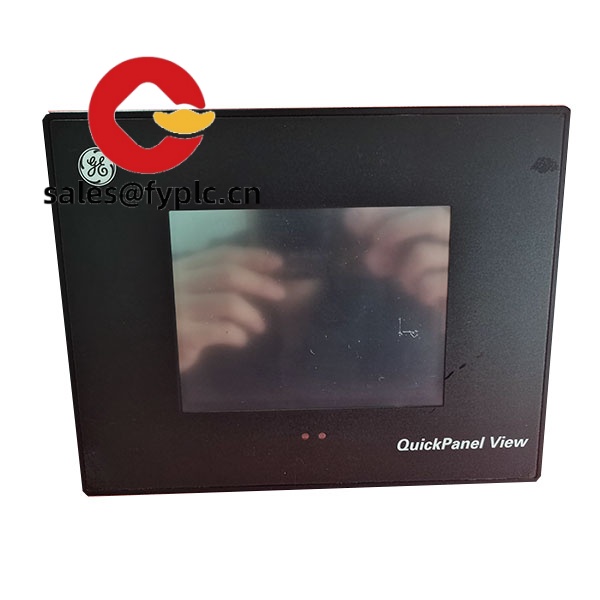
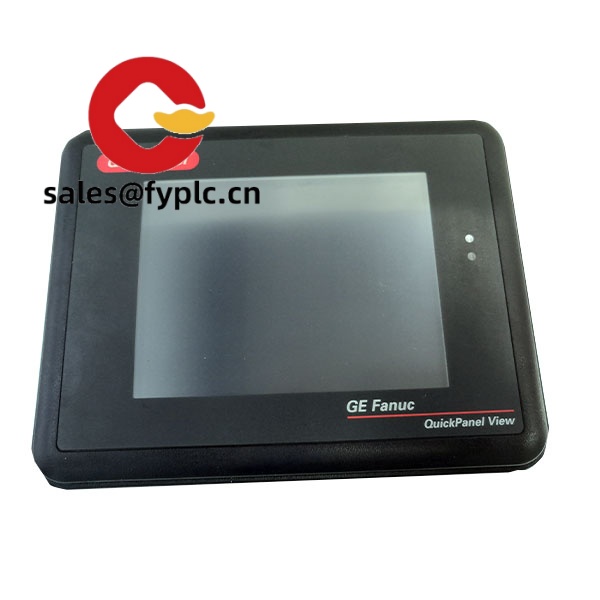
GE QuickPanel View IC754VS112CTD-HH – 12.1″ Color TFT HMI for reliable machine interfaces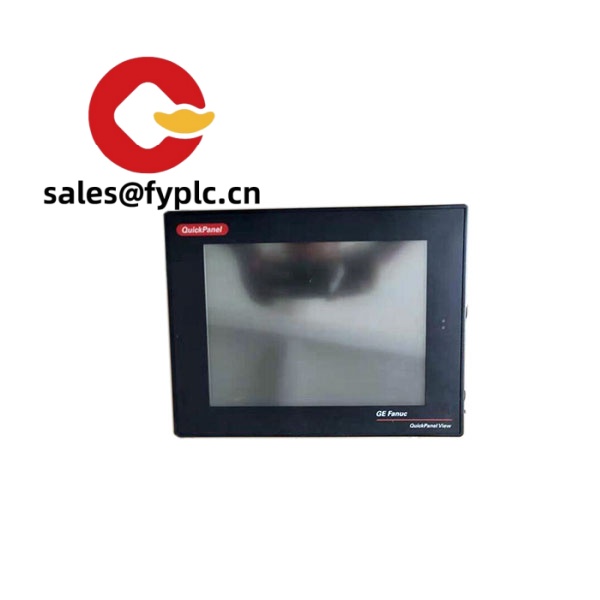
The IC754VS112CTD-HH sits in that sweet spot for OEMs and plant teams who need a robust 12.1-inch operator panel without overcomplicating the cabinet. It’s a GE QuickPanel View unit, typically DC-powered, with a resistive touch display and the communication ports you’d expect for most retrofit or new-build projects. From my experience, this “-HH” variant is chosen when teams want a brighter screen and slightly tougher front performance in harsh lighting—handy on open factory floors or skid-mounted systems.
Company’s Order Placement Process and Guarantees
- Warranty period: 365 days
- Delivery time: 1 week when in stock; no more than one month at the latest
- Payment terms: 50% advance payment; full payment before delivery
- Express delivery: FedEx, UPS, DHL
Key Features
- 12.1″ color TFT, resistive touch – A practical size for line-side control, with a screen that’s easy to read across typical shop-floor distances.
- 24 VDC operation – Integrates cleanly into standard machine DC buses; typically tolerant of common industrial power variance.
- Multiple comms onboard – You’ll usually find Ethernet 10/100 plus serial (RS‑232/485) for legacy PLCs and modern networks in one unit.
- Panel-mounted, sealed front – The bezel is designed for NEMA 4/12 or IP65-type protection at the front when properly gasketed and mounted.
- “HH” high-visibility variant – In many cases this denotes a higher-brightness display, which helps where glare or bright ambient lighting is an issue.
- Driver-rich via Proficy Machine Edition – Connects to common PLC brands and protocols without custom gateways in most projects.
- Field-friendly media – Typically includes USB for project transfer and a removable storage slot for backups or logs.
Technical Specifications
| Brand / Model | GE QuickPanel View / IC754VS112CTD-HH |
| HS Code | 8537.10 (Boards, panels, consoles for electric control, ≤1000 V) |
| Display & Touch | 12.1″ color TFT, resistive touch; resolution typically SVGA 800×600 |
| Power Requirements | 24 VDC nominal (typically 18–30 VDC), power draw ~20–25 W depending on brightness and comms load |
| Communication Interfaces | 1× Ethernet 10/100Base‑T, 1–2× serial ports (RS‑232/422/485, configurable), USB host/device; 1× removable storage slot (commonly CompactFlash) |
| Signal I/O Types | Operator input via touch; I/O handled via connected PLCs/remote I/O (no onboard discrete/analog I/O) |
| Supported Protocols | Typically Modbus RTU/TCP, GE SRTP, Allen‑Bradley DF1/EtherNet/IP, Siemens, Mitsubishi, Omron (via Proficy Machine Edition drivers) |
| Operating Temperature | 0 to +50 °C (cabinet‑mounted, with ventilation as required) |
| Front Protection Rating | Typically IP65 / NEMA 4/12 at the front when correctly installed |
| Installation Method | Panel mount with gasket and clips; portrait or landscape as project demands |
| Dimensions & Weight | Approx. 314 × 240 × 60 mm; ~3.0 kg (typical for 12.1″ QuickPanel View) |
| Software | Configured with Proficy Machine Edition HMI/SCADA |
Related or Supporting Products
- IC754VSI12CTD – Similar 12.1″ QuickPanel View variant; typically standard-brightness screen and comparable comms.
- IC754VSL12CTD – Often selected when projects need slightly different memory or port options within the same 12.1″ family.
- IC755CWH12CDA (QuickPanel+) – Newer 12″ platform with higher resolution and faster CPU; a good upgrade path if you’re modernizing.
- 24 VDC DIN-rail PSU (industrial) – For example, a 5 A unit to give headroom for the HMI and peripherals.
- Industrial Ethernet switch (unmanaged) – Compact 5–8 port switch for segregating HMI/PLC traffic on the machine network.
- Proficy Machine Edition license – Required for project development, downloading, and version control.
You might notice that teams moving from older monochrome panels to this unit often comment on the clearer alarms and better trend legibility. One maintenance lead told us the brighter “HH” screen reduced operator mis-touches on a packaging line because status colors were easier to distinguish during day shift.
Installation & Maintenance
- Cabinet & mounting – Use a rigid door panel; observe the cutout per datasheet. Tighten mounting clips evenly to maintain the bezel seal.
- Ventilation – Keep ambient within 0–50 °C; allow convection paths or use a panel fan/heat exchanger for higher loads or hot zones.
- Power wiring – 24 VDC with proper grounding; add a dedicated 2–3 A slow-blow fuse or breaker and surge protection on noisy mains.
- Network – Shielded twisted pair for serial; industrial‑grade patch cables for Ethernet. Avoid routing parallel to VFD motor leads.
- Safety – De-energize before servicing. Verify gasket integrity after any door work to keep the IP/NEMA rating effective.
- Routine care – Clean the touchscreen with lint‑free cloth and mild cleaner (no solvents). Back up projects to removable media.
- Firmware & project – Periodically update the runtime where applicable and keep Proficy project archives with version notes.
- Calibration – If touch drift appears, run the touch calibration from the HMI system menu; it typically takes under two minutes.
Quality & Certifications
- CE marking for EMC and LVD (typical for GE QuickPanel View)
- UL/cUL listing for industrial control equipment
- RoHS compliance for hazardous substances, in most cases
- Manufacturer’s warranty: 12 months (365 days)



Reviews
There are no reviews yet.